Custom Mechanical Keyboards: Design Your Perfect Keyboard
A custom Aula keyboard puts you in control. You get to choose exactly how your Aula keyboard looks, feels, and even sounds.
- Aula keyboards stand out because they give you more feedback with every keystroke.
- You can personalize everything on your Aula keyboard—colors, layout, and the way the keys respond.
- Many people love building their own Aula keyboard just for the fun of it.
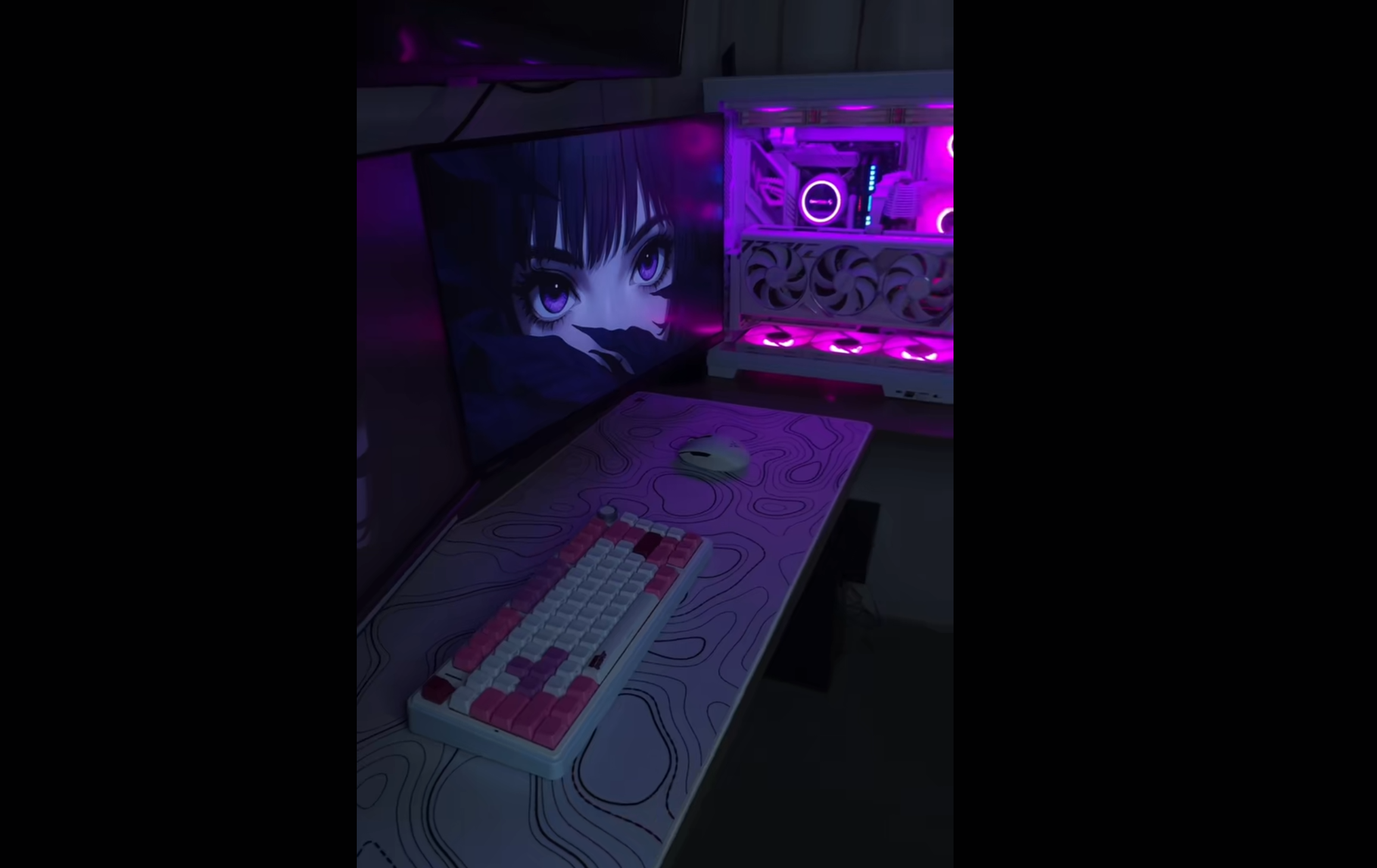
With the Aula keyboard, you can create a setup that truly shows off your personality. Imagine an Aula keyboard that matches your favorite colors or even features your own artwork. Customization is more popular than ever, and with the Aula keyboard, you have more choices than ever before.
Benefits
Personalization
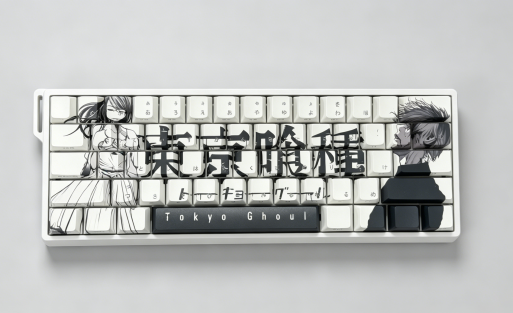
You get to decide exactly how your keyboard looks and feels. With a customizable keyboard, you can pick your favorite colors, switch types, and even upload your own images. Want your keyboard to match your gaming setup or show off your favorite anime? You can do that. The Aula keyboard lets you create a setup that fits your personality. You can swap out switches for a different typing feel or change keycaps for a fresh look. This level of personalization makes your keyboard truly yours.
- Tip: Try mixing different keycap colors or adding custom artwork to make your keyboard stand out.
Select Your Country’s Keyboard Layout
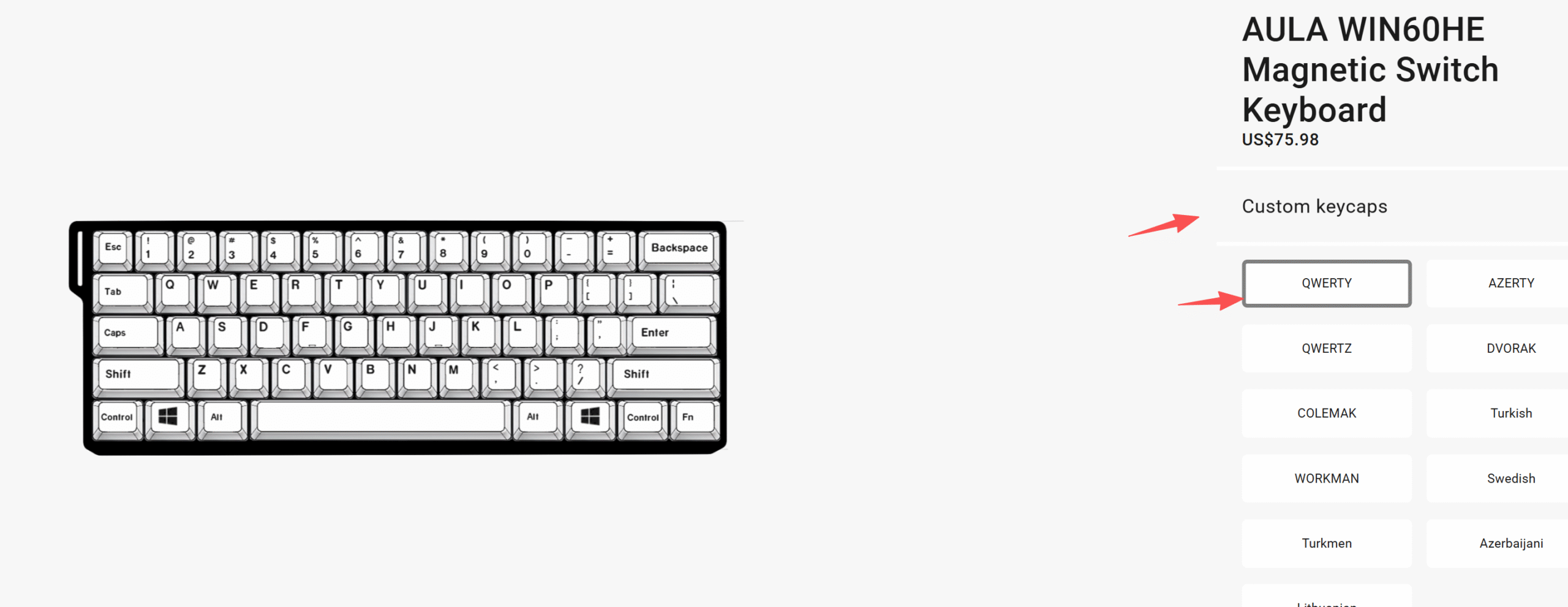
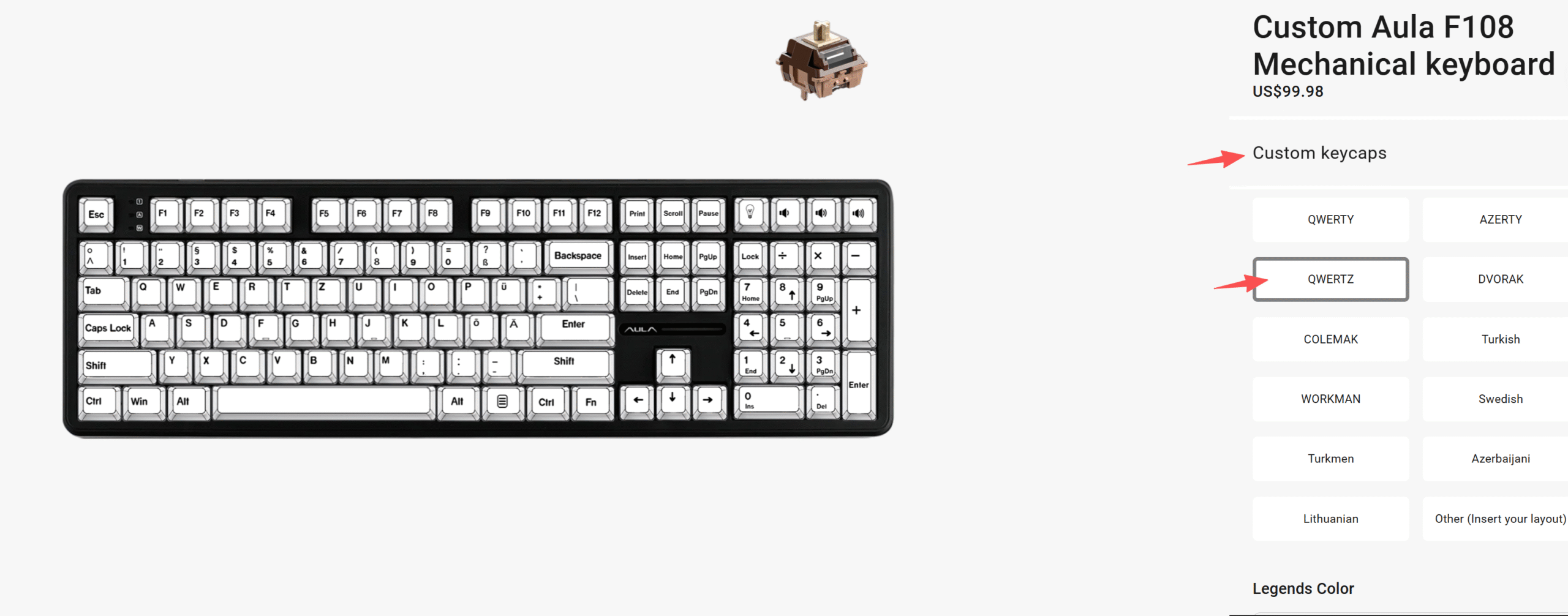
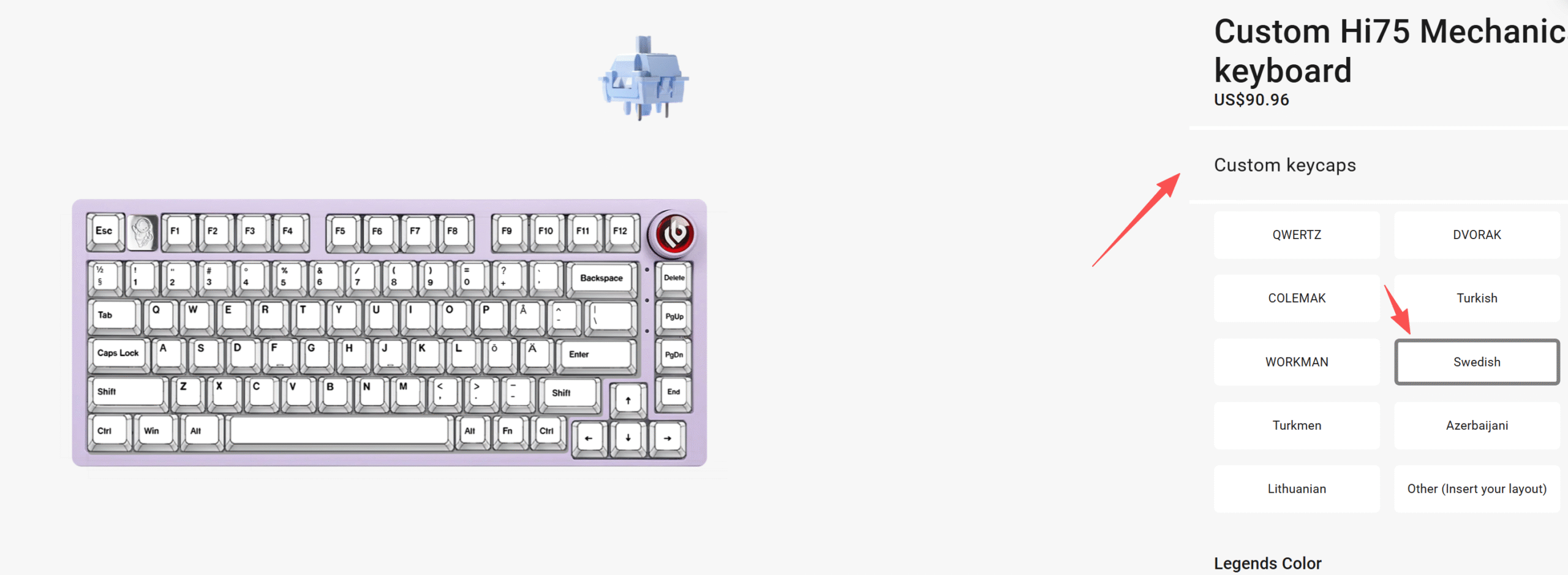
You don’t have to settle for a standard layout. Custom keyboards let you pick the language and layout that works best for you. Whether you need QWERTY, AZERTY, Dvorak, or something else, you can set up your keyboard for your region. This is perfect if you type in multiple languages or want a layout that matches your workflow. The Aula keyboard supports a wide range of global layouts, so you can type comfortably no matter where you live.
To create one of the best keyboards
You want a keyboard that best suits your needs. A custom mechanical keyboard offers features that ordinary keyboards can’t match. Check out how many bloggers design their keyboards:
Aesthetics
Looks matter. Most users care about how their keyboard fits into their space. You can pick custom keycaps, RGB lighting, and case colors to match your style. About 70% of people want customizable RGB lighting, and nearly half prefer keyboards with unique design features. In Europe, many buyers choose keyboards based on ergonomics and design. With a custom keyboard, you can turn your desk into a showcase for your creativity.
- Note: The Aula keyboard gives you the freedom to design a keyboard that looks as good as it feels.
Aula keyboard Customization
You want a keyboard that feels like it was made just for you. The Aula keyboard gives you that power. You can customize almost every detail, from layout to colors, switches, and even the images on your keycaps. Let’s break down how you can build your own best keyboard.
Layout Choices
You get to pick the layout that matches your workflow and language. The Aula keyboard supports layouts like 75%, 60%, and F108-key. You can choose QWERTY, AZERTY, QWERTZ, Swedish, WORKMAN, or even layouts for Japanese, Russian, and Korean. You can mix uppercase and lowercase letters, select your country’s font, and set up your keyboard for any language you need. This flexibility makes the Aula keyboard stand out from competitors.
| Feature | Aula Keyboards | Competitors (Corsair, Keychron, Redragon) |
|---|---|---|
| Layout Options | 75%, 60%, 108-key | Varies, often limited |
| Customization | Hot-swappable switches | Limited options |
| Connectivity | Tri-mode (Bluetooth, 2.4GHz, USB-C) | Often single mode |
| Pricing | Competitive, more features | Higher prices for similar features |
| Battery Life | Long-lasting | Varies, often shorter |
| Operation | Quiet | Varies, often louder |
- Tip: Try a compact 60% layout for gaming or a full 75% for productivity. You can switch layouts anytime.
Various switch types
You can swap out switches on your Aula keyboard without any soldering. Hot-swappable switches let you experiment with different feels and sounds. Do you want a smooth keystroke for fast typing? Go for linear switches. Prefer a tactile bump for feedback? Tactile switches are your best bet. If you love the clicky sound, choose clicky switches. The F75 keyboard supports all these options, so you can find your perfect match.
| Switch Type | Description | Examples |
|---|---|---|
| Linear Switches | Smooth keystroke, ideal for rapid key presses | Pluggable Mechanical, Black |
| Tactile Switches | Noticeable bump for feedback, preferred by typists | Pluggable Mechanical |
| Clicky Switches | Tactile bump and audible click, great for sound lovers | Pluggable Mechanical |
- Note: You can mix switch types on one keyboard. Put tactile switches on your main typing keys and linear switches on the rest.
Color and Keycap Options
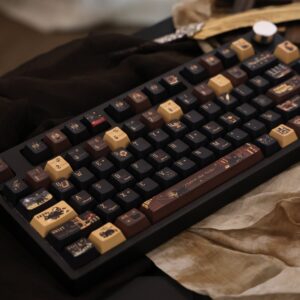
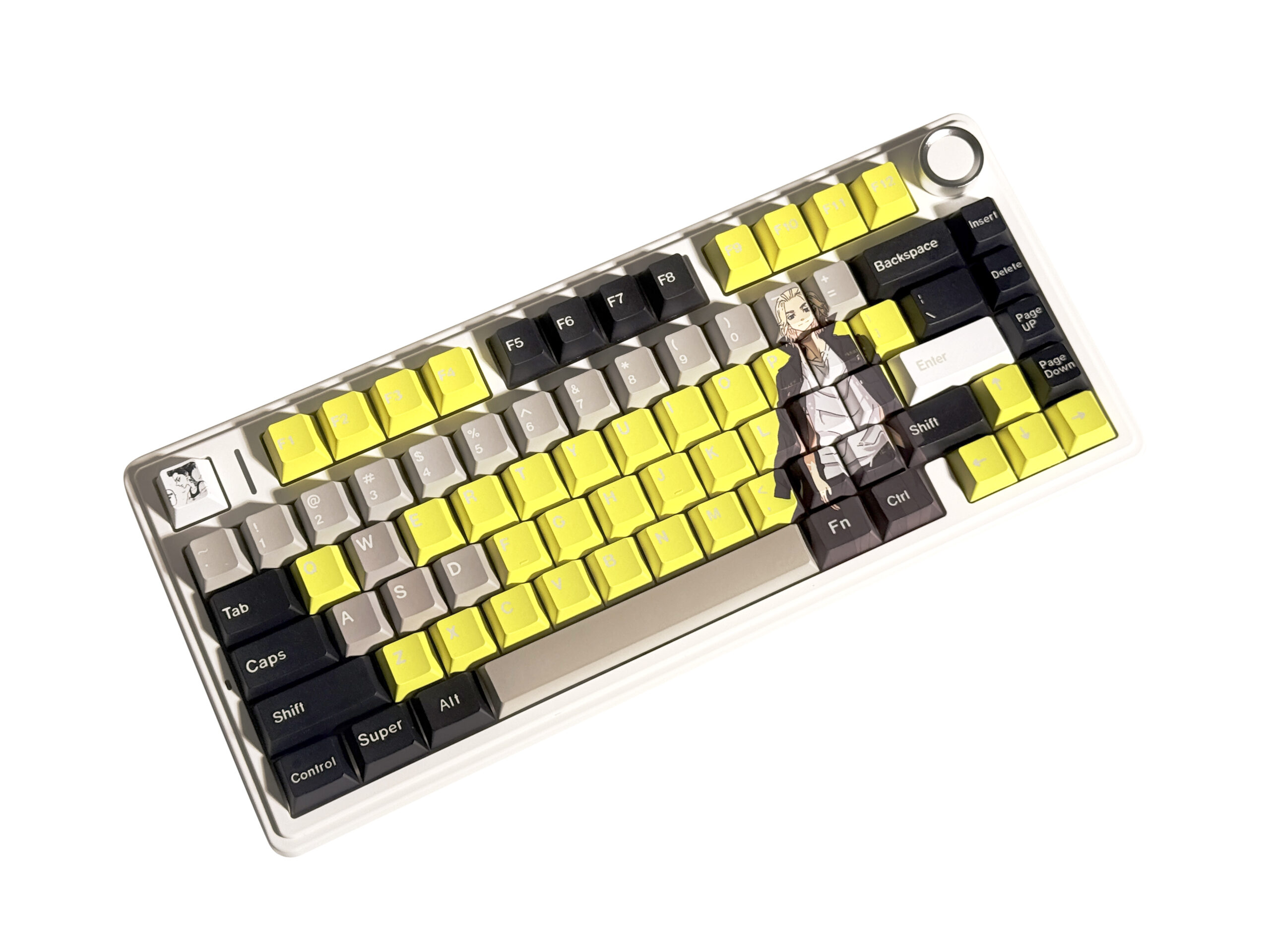
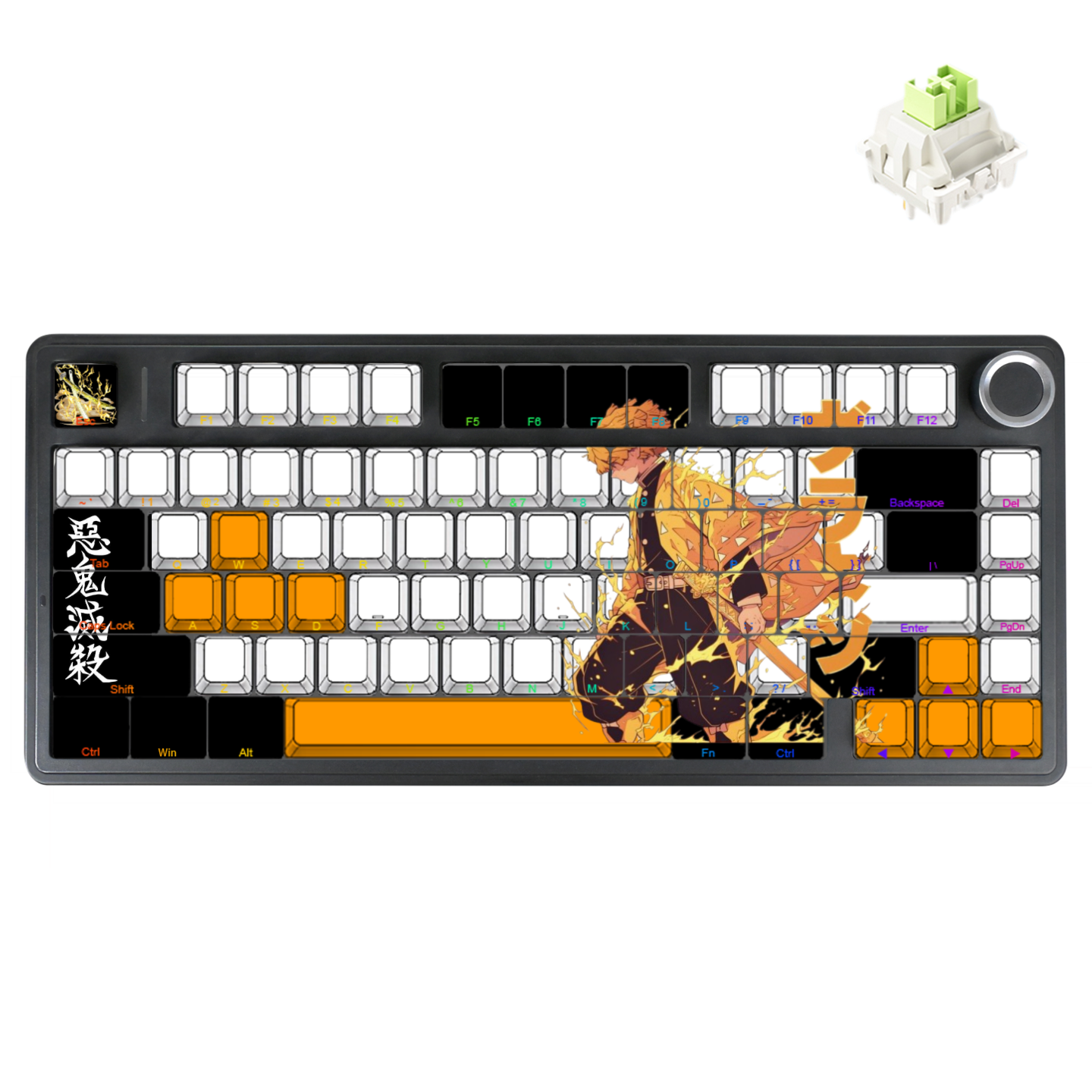
In addition to choosing your keyboard color, you can add your favorite images, patterns, or characters to create a truly unique keyboard style. Whether it’s anime characters, game icons, personalized symbols, or artistic illustrations, you can incorporate them into your keyboard, making every keystroke reflect your own creativity and personality.
Image and Font Personalization
You can upload your own images, memes, anime, or logos to your keycaps. The Aula keyboard lets you choose fonts, colors, and even the placement of text—front-printed or side-printed. You can design keycaps with DIY artwork, mix uppercase and lowercase letters, and support any language. This feature is fully independent on the website, so you control every detail. Your keyboard becomes a canvas for your creativity.
- Alert: Your custom keycap set is made-to-order in about 7–14 business days. Each set is unique, so you get a one-of-a-kind keyboard.
Case color
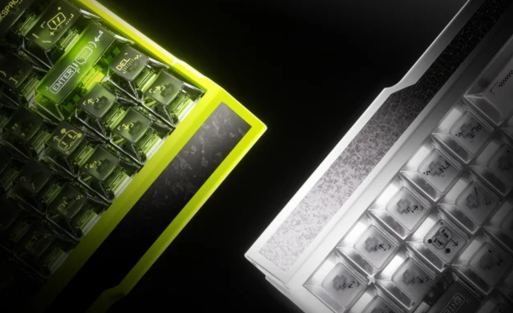
You can select the case color that matches your setup. The Aula keyboard offers several chassis colors, so you can go for a sleek black, a bright white, or something bold. The case color ties your whole design together and makes your custom keyboard pop.
- Note: A colorful case with matching keycaps creates a unified look. Try pairing a pastel case with pastel keycaps for a soft vibe.
Various keyboard models to choose from
When you start looking for a custom keyboard, you’ll see plenty of models with different features. Each one offers something unique, so you can find the best keyboard for your needs. Let’s check out some popular choices.
You want a compact keyboard that saves space but still feels great to type on. The Aula Win60 gives you a 60% layout, which means you get all the essential keys in a smaller footprint. This model works well for gaming setups or minimalist desks. You can pick your favorite switches and keycap colors, making it a customizable keyboard that fits your style.
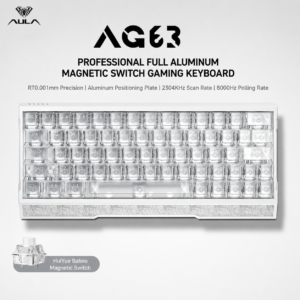
If you want more keys and extra customization, the F75 keyboard stands out. You get a 75% layout, hot-swappable switches, and high-quality PBT keycaps. You can upload your own images, select fonts, and choose from global layouts. The Aula keyboard lets you create a one-of-a-kind look, whether you love anime, memes, or classic designs. This model is perfect if you want the best mechanical keyboard experience with full personalization.
Need a full-sized keyboard for productivity? The Aula F108 gives you every key, including a number pad. You can customize the case color, switch type, and keycap design. This model suits office work, gaming, or creative projects. You get durability and a premium feel, so your custom keyboard lasts longer.
Looking for something different? The LEOBOG Hi75 offers a 75% layout with a unique mounting style. You can choose between wired or wireless options, and pick switches that match your typing preference. This model gives you flexibility and a modern look.
A standalone gift for your loved one
A custom keyboard makes a thoughtful gift. You show that you understand the recipient’s interests. It’s practical, unique, and delivers lasting satisfaction. Unlike generic tech gifts, a customizable keyboard like the Aula keyboard stands out. You can personalize it with favorite colors, artwork, or layouts. Your loved one gets a gift that feels special and fits their style.
- Practical and personal
- Delivers lasting satisfaction
- Shows you care about their interests
Showcase your unique design
You can share your custom keyboard design with the world. Many users post photos on platforms like r/CustomKeyboards and r/KeycapDesigners. You can join forums such as geekhack to connect with other enthusiasts. Show off your F75 keyboard, display your keycap art, and inspire others with your creativity. Your custom keyboard becomes more than a tool—it’s a statement.
- Share images on social media and forums
- Discover new trends and ideas
- Connect with a vibrant community
- Tip: Your Aula keyboard can last for years with proper care. PBT keycaps resist wear, and tuned stabilizers keep your typing smooth. Your design stays fresh and unique, making your keyboard the best keyboard for both style and durability.
FAQ
What makes the Aula keyboard different from other custom keyboards?
You get full control over design, layout, and switch type. The Aula keyboard lets you upload images, pick fonts, and select colors. You can create the best keyboard for your style and needs.
What is a hot-swappable switch on the F75 keyboard?
Hot-swappable switches let you change the feel and sound of your keyboard without soldering. You can try linear, tactile, or clicky switches anytime. This feature makes the F75 keyboard a customizable keyboard favorite.
What layouts can you choose for a custom keyboard?
You can pick from 60%, 75%, or full-size layouts. The Aula keyboard supports QWERTY, AZERTY, Dvorak, and more. You can set up the best mechanical keyboard for your language and workflow.
What materials are used for Aula keyboard keycaps?
You get high-quality PBT keycaps with a textured finish.
What can you personalize on your Aula keyboard?
You can customize case color, keycap design, switch type, and even upload your own artwork. The Aula keyboard lets you build a unique setup. You get a keyboard that matches your personality and workspace.

Add comment
You must be logged in to post a comment.