Where to Buy Keycaps & How to Build a Fully Custom Keyboard (Beyond Standard QWERTY)
For a long time, most people believed keyboards were “fixed” — you buy a QWERTY layout, pick a color, and that’s it. But that idea is quickly becoming outdated. Today, users want something more personal: a setup that matches their typing style, gaming needs, aesthetics, and even hand comfort.
This is exactly where customization changes everything.
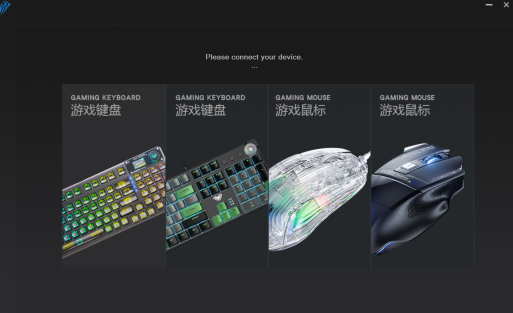
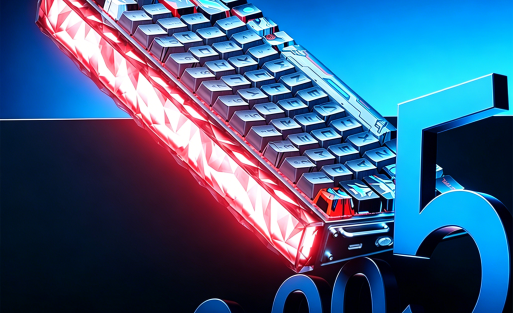
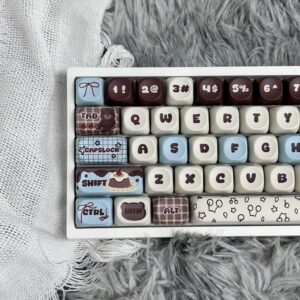
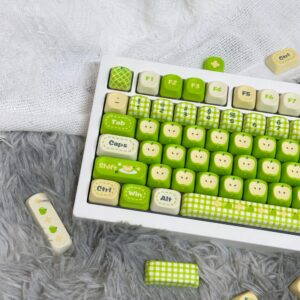
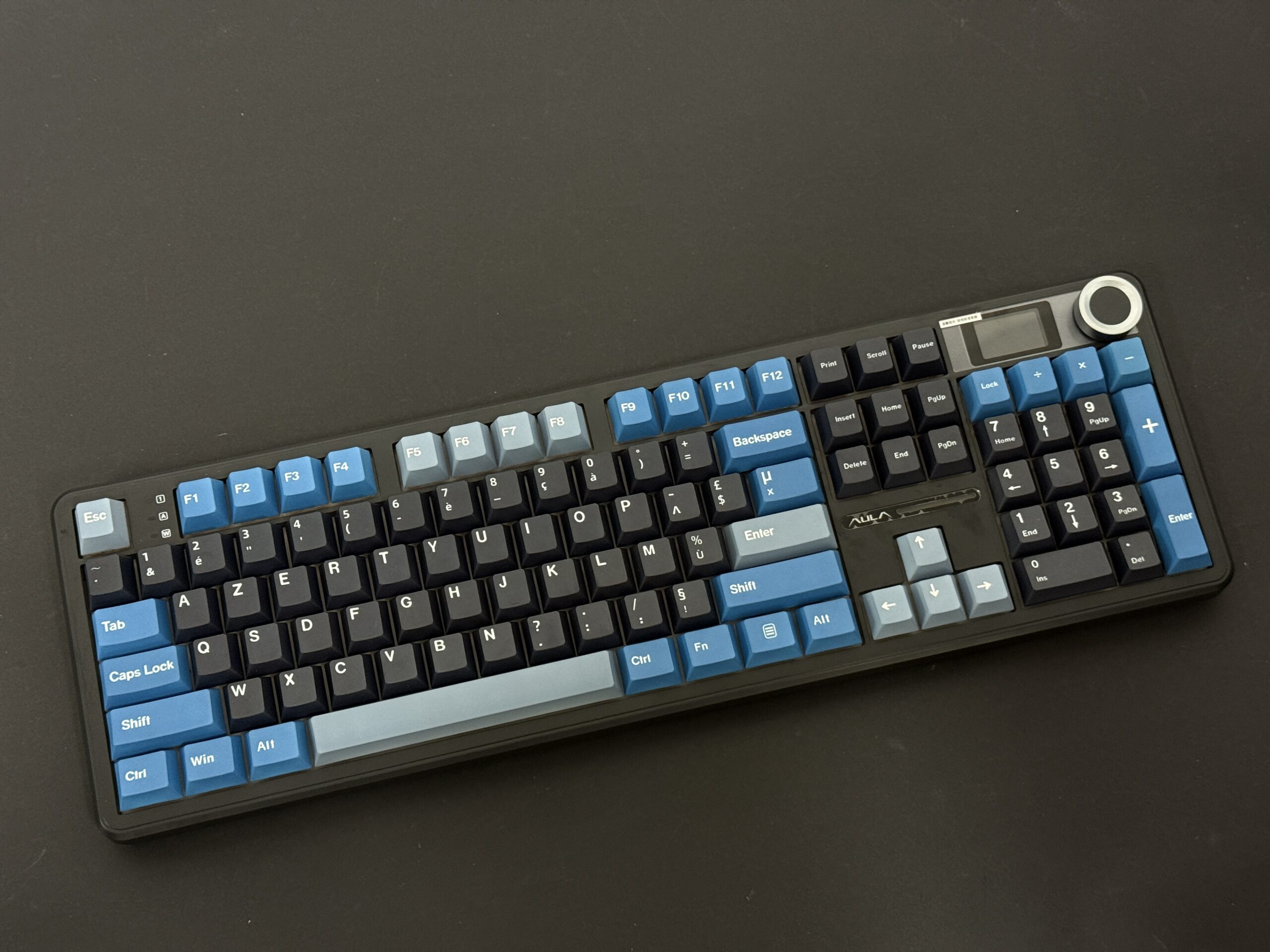
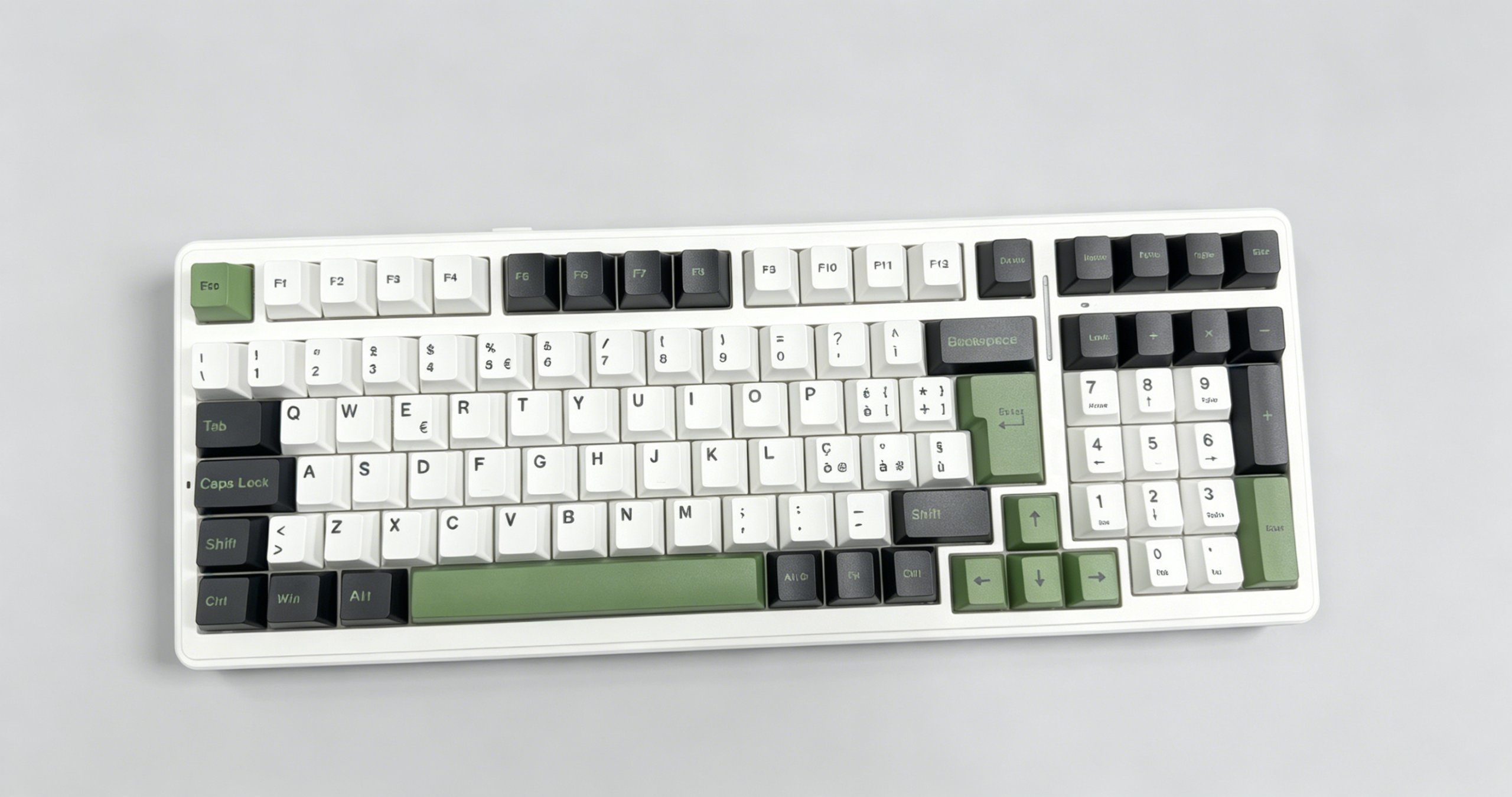
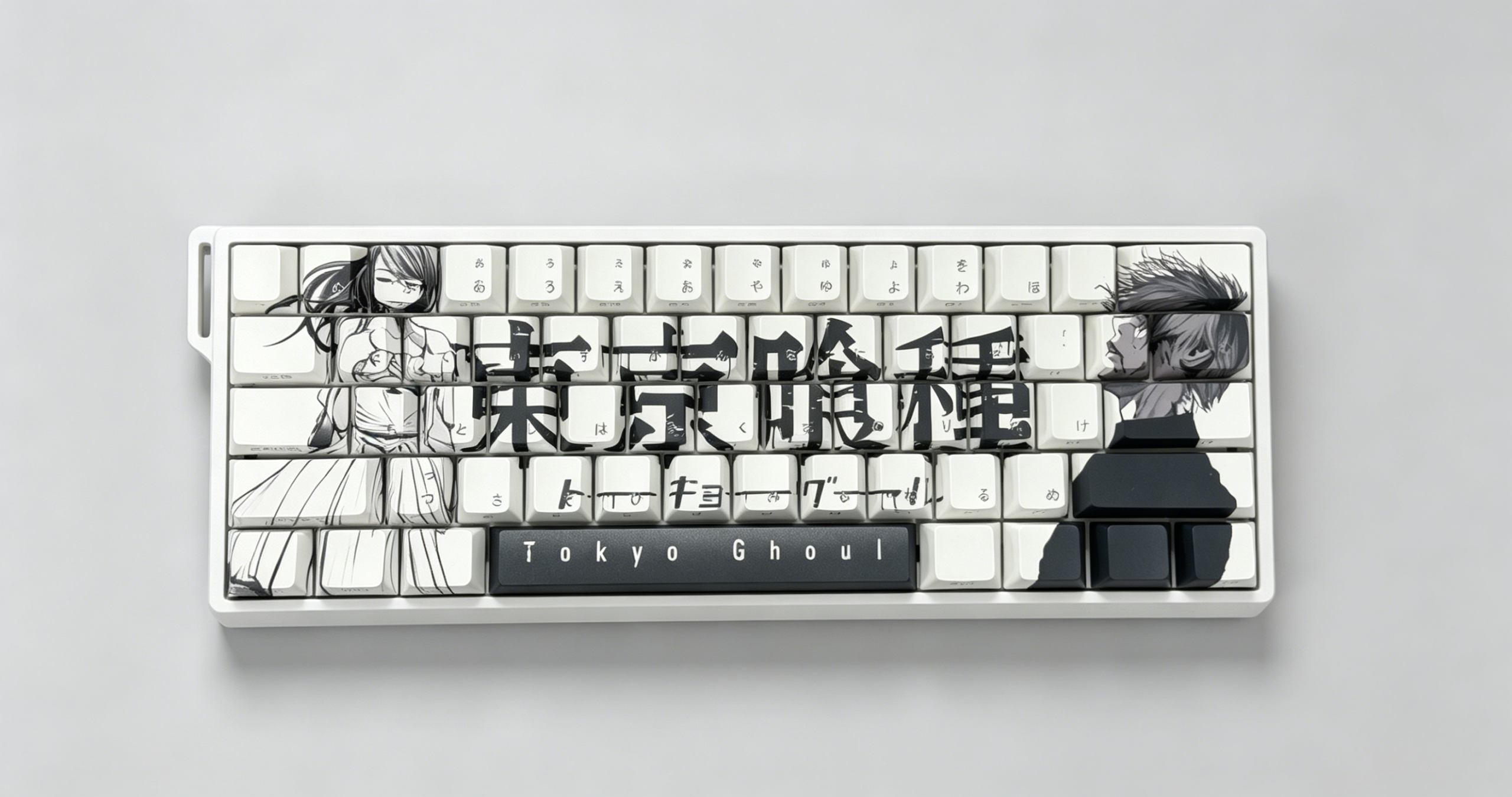
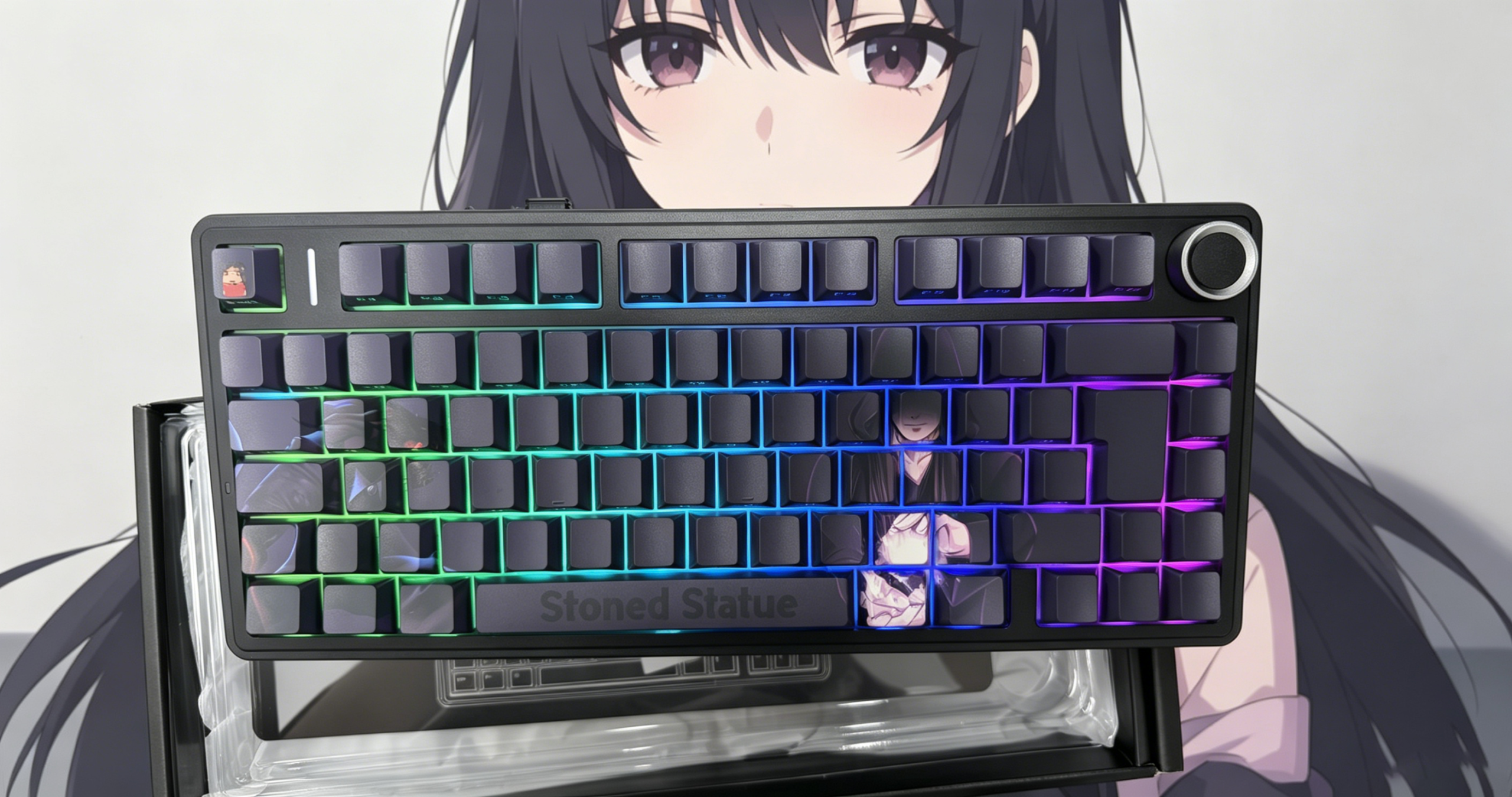
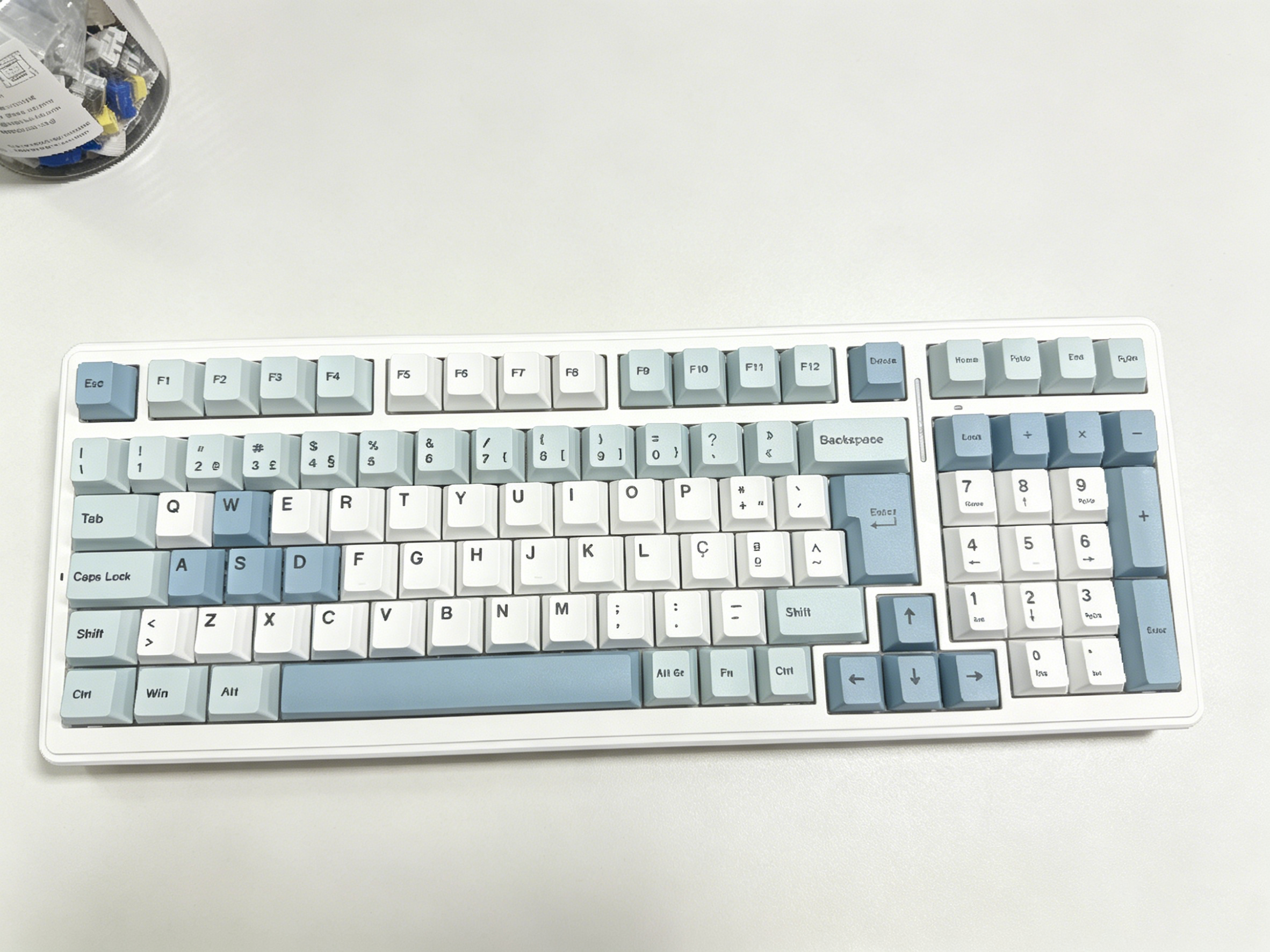
At AULA Keyboard, keyboard design is no longer limited to a fixed layout or standard keycap set. You can now explore fully customizable layouts, switch combinations, and keycap designs — and even go beyond what is shown on the website by sending your own reference ideas.
If you’ve ever searched for where to buy keycaps or wondered how to build your own keyboard, this guide will walk you through everything in a practical, real-world way.
Why Custom Keyboards Are Becoming So Popular
A “custom keyboard” isn’t just about looks. It solves real problems:
- Comfort for long typing or gaming sessions
- Faster response for competitive gaming
- Personalized layouts (not just QWERTY)
- Unique aesthetic setups for creators and enthusiasts
Many users ask:
- are custom keyboards good for gaming?
- are custom keyboards worth it?
The answer depends on what you expect. For competitive players, custom keyboards often improve reaction speed and consistency. For creators, they offer better ergonomics and visual identity. In both cases, customization provides more control than mass-produced keyboards.
Where to Buy Keycaps (And Why It Matters More Than You Think)
If you’re searching where to buy keycaps, you’re already on the right track toward personalization.
Keycaps define:
- Typing feel
- Sound profile
- Visual theme
- Finger positioning comfort
But the most important part is compatibility. Not every keycap set fits every keyboard layout — especially when you move beyond standard QWERTY.
This is where platforms like AULA become valuable. Instead of limiting you to one fixed configuration, you can explore different keyboard structures and matching keycap sets directly through their customization ecosystem:
Even better, if you don’t find the exact keycap style or layout you want, you can submit a reference image. The design team can help recreate or adapt it into a functional keyboard build.
How to Customize Your Keyboard (Step-by-Step Thinking, Not Just Parts)
Many guides overcomplicate this process. In reality, how do you customize your keyboard comes down to three core decisions:
1. Layout First (Not Keycaps First)
Before choosing colors or switches, decide your layout:
This step is crucial because it defines everything else.
And this is where users often realize they don’t actually need a standard QWERTY layout anymore.
2. Switch Feel and Purpose
Your keyboard behavior depends heavily on switches:
- Linear: smooth and fast (great for gaming)
- Tactile: feedback for typing
- Magnetic/advanced switches: high precision and rapid response
For gaming-focused users asking are custom keyboards good for gaming, switch selection is often the biggest performance factor.
3. Keycaps (The Visual + Physical Identity)
Now comes the part most people search for: where to buy keycaps
Keycap choice impacts:
- Height profile (OEM, Cherry, etc.)
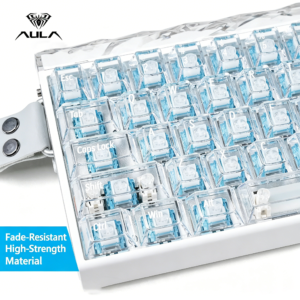
- Material (ABS, PBT, etc.)
- Theme (minimalist, RGB, anime, professional)
- Texture and durability
But more importantly, keycaps complete your identity as a builder.
How to Make Your Own Keyboard (Without Starting From Scratch)
If you’re wondering how to make your own keyboard, the modern approach is no longer about soldering everything yourself.
Instead, platforms like AULA let you:
- Select base models
- Modify layout structure
- Choose switch type
- Customize keycaps
- Request non-standard designs
This means you can start from a solid foundation and evolve it into your own design instead of building everything manually.
And yes — even if your layout doesn’t exist on the website, you can still send a sample image or sketch. The design process can adapt it into a real product.
Are Custom Keyboards Worth It?
This is one of the most common questions:
- are custom keyboards worth it?
- how much are custom keyboards?
- how much do custom keyboards cost?
- how much does a custom keyboard cost?
The honest answer: it depends on your use case.
Custom keyboards typically cost more than mass-market boards, but you are paying for:
- Better materials
- Tailored typing experience
- Unique design flexibility
- Langzeitbeständigkeit
- Performance tuning (especially for gaming)
Entry-level custom builds can be relatively affordable, while high-end configurations with premium switches, custom layouts, and specialized keycaps naturally cost more.
What you gain is not just a keyboard — but a tool designed around your exact needs.
The Shift Away From Fixed QWERTY Keyboards
One of the biggest changes in modern keyboard design is freedom from standard layouts.
Users are now exploring:
- Split layouts for ergonomics
- Compact gaming layouts for faster mouse movement
- Personalized key mapping for productivity
- Visual custom builds for content creation setups
At AULA, this shift is already part of the design philosophy — keyboards are not treated as fixed products, but as adaptable systems.
This is why customization is no longer a niche hobby. It’s becoming the default expectation for serious users.
Abschließende Gedanken
If you’ve ever searched:
- how to customize your keyboard
- how to build your own keyboard
- how to make your own keyboard
- where to buy keycaps
Then you’re already in the mindset of upgrading from standard setups.
The key takeaway is simple:
You are no longer limited to pre-built QWERTY keyboards.
With modern customization options from AULA Keyboard, you can design something that actually fits you — whether it’s for gaming performance, typing comfort, or visual identity.

Einen Kommentar hinzufügen
Du musst angemeldet sein, um einen Kommentar abzugeben.