
Why Keyboard Input Feels Delayed (And How to Fix It for Better Gaming Performance)
Keyboard input delay is one of the most frustrating issues for gamers and daily PC users alike. Whether you are playing competitive FPS games like Valorant or simply typing during work, a slow keyboard response can make your entire setup feel unresponsive.
Many users describe the issue as keyboard lag, delayed key presses, inconsistent response times, or slow typing feedback. In competitive gaming, even a small amount of keyboard latency can affect movement, reaction speed, strafing accuracy, and overall gameplay performance.
In this guide, we will explain why keyboard input feels delayed, what causes keyboard latency, how gaming keyboards reduce input lag, and what you can do to improve response speed for a smoother gaming experience.
What Is Keyboard Input Delay?
Keyboard input delay refers to the time between pressing a key and seeing the action happen on screen. This delay is also commonly called:
- Keyboard latency
- Keyboard input lag
- Delayed keyboard response
- Slow keyboard reaction time
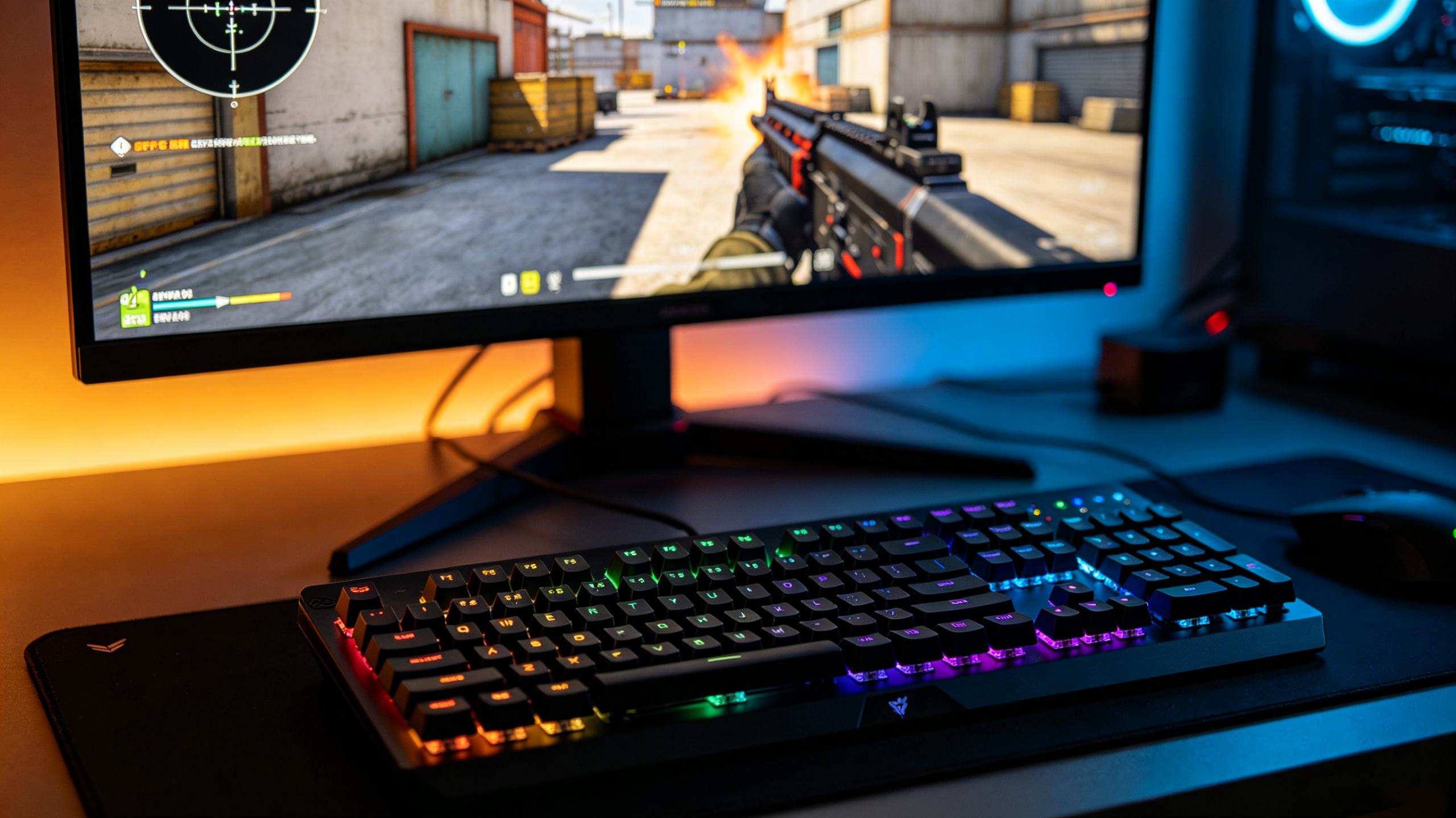
For example, when playing Valorant or CS2, a delayed keyboard can make movement feel heavy or inconsistent. Players may notice delayed strafing, slower counter movement, or inconsistent jump timing.
Although some delay can come from the PC itself, many keyboard-related factors also affect response time.
Common signs of keyboard input delay include:
- Slow key registration
- Delayed movement in games
- Typing appearing behind your actual input
- Random inconsistent response
- Wireless keyboard lag
- Delayed RGB or macro response
For competitive gamers, low latency gaming keyboards have become increasingly important because modern FPS games demand faster and more accurate input timing.
What Causes Keyboard Input Delay?
There is no single reason why a keyboard feels delayed. In most cases, keyboard latency is caused by a combination of hardware, software, and connection issues.
Below are the most common causes of keyboard input lag.
1. Low Polling Rate
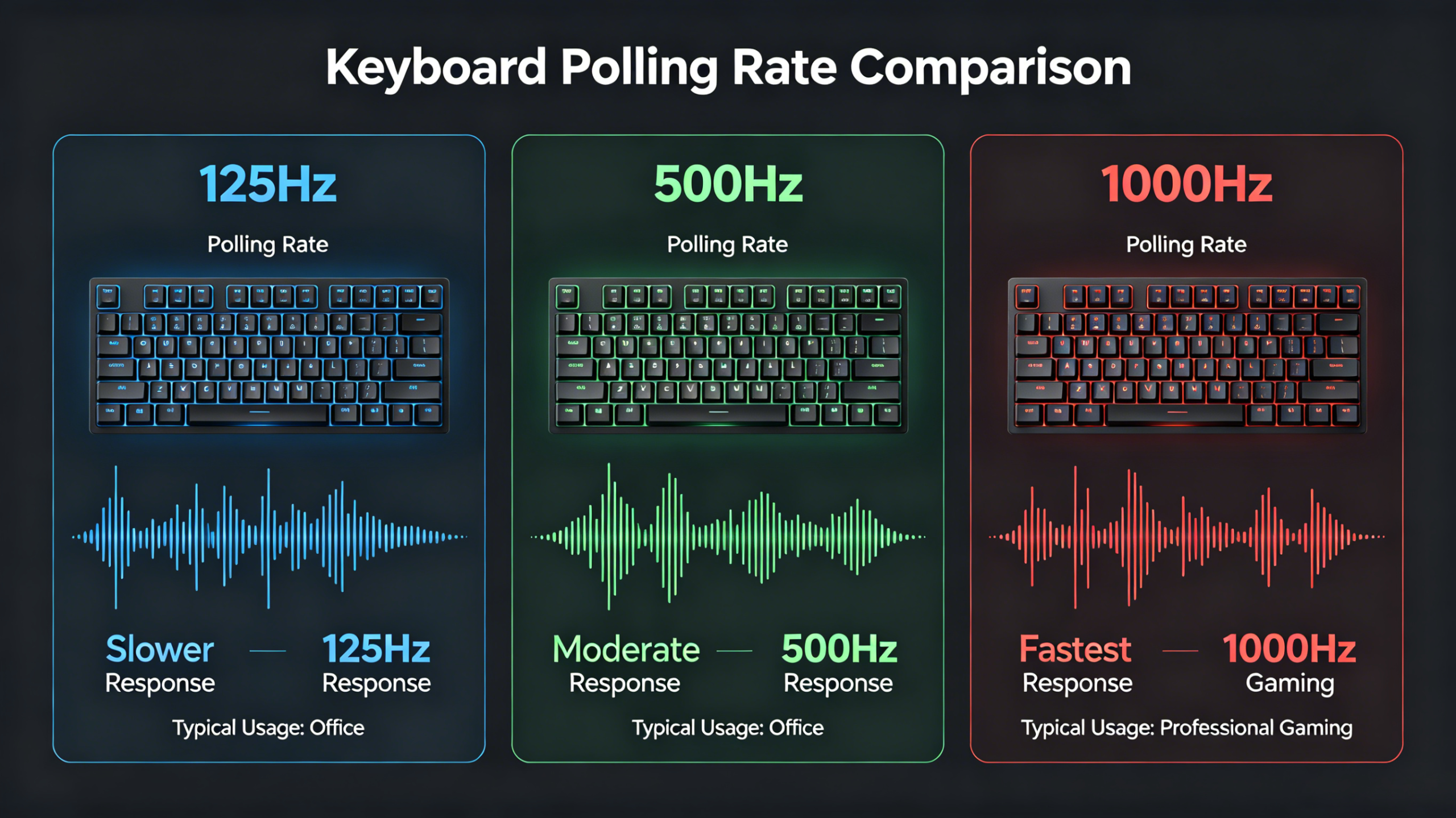
Polling rate determines how often your keyboard sends information to your PC.
A standard office keyboard usually runs at 125Hz polling rate, while modern gaming keyboards can support:
- 1000Hz
- 4000Hz
- 8000Hz polling rate
A higher polling rate reduces input delay because the keyboard updates information more frequently.
For FPS gaming, many players now prefer 8K polling rate keyboards because they provide faster response times and lower latency.
2. Wireless or Bluetooth Connection Delay
Wireless keyboards are convenient, but poor wireless implementation can increase latency.
Bluetooth keyboards especially tend to have higher input delay compared to wired gaming keyboards or low-latency 2.4GHz wireless keyboards.
Common causes include:
- Weak wireless signal
- USB interference
- Battery-saving mode
- Bluetooth instability
- Outdated wireless drivers
For competitive FPS games like Valorant or CS2, many esports players still prefer wired gaming keyboards for maximum stability and consistent response.
However, modern Hall Effect keyboards with optimized wireless technology can still deliver extremely low latency performance.
3. Keyboard Debounce Delay
Debounce delay is another major factor affecting keyboard response speed.
Traditional mechanical keyboards use debounce algorithms to prevent accidental double inputs. Unfortunately, higher debounce settings can also increase input lag.
Some gaming keyboards allow users to lower debounce time for faster response.
This is one reason why Hall Effect keyboards and magnetic switch keyboards have become popular among competitive gamers.
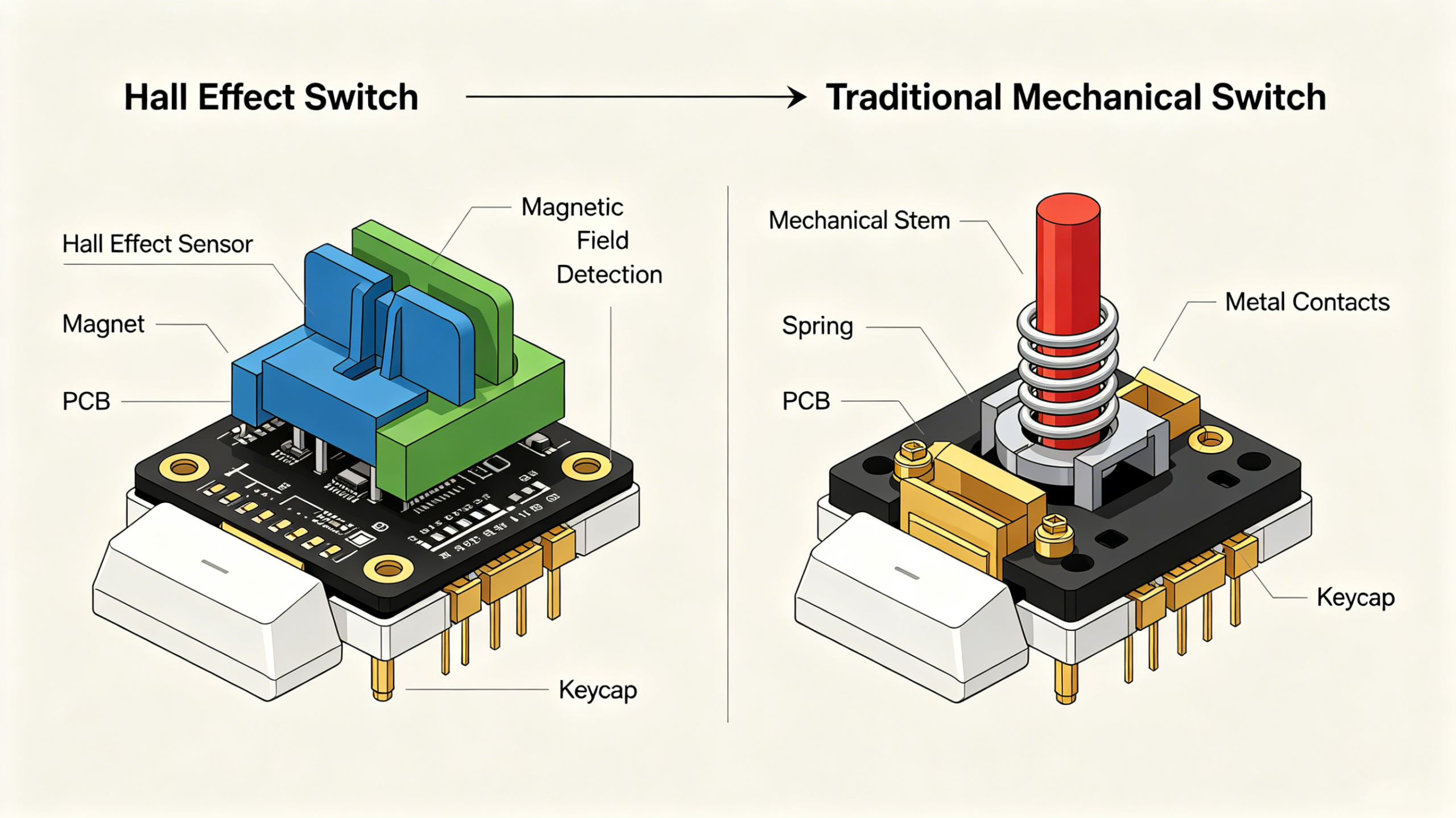
Because Hall Effect switches rely on magnetic sensing rather than physical contact, they can reduce debounce-related latency significantly.
4. Slow Mechanical Switches
Not all keyboard switches respond equally.
Certain tactile or heavy switches may feel slower during competitive gaming because they require more force and travel distance before activation.
Modern Hall Effect switches solve this problem using adjustable actuation technology.
Instead of relying on fixed actuation points, users can customize how sensitive the keys are.
This allows:
- Faster movement
- Quicker strafing
- Improved reaction speed
- Lower perceived latency
This is one reason why many players are switching from traditional mechanical keyboards to Hall Effect gaming keyboards.
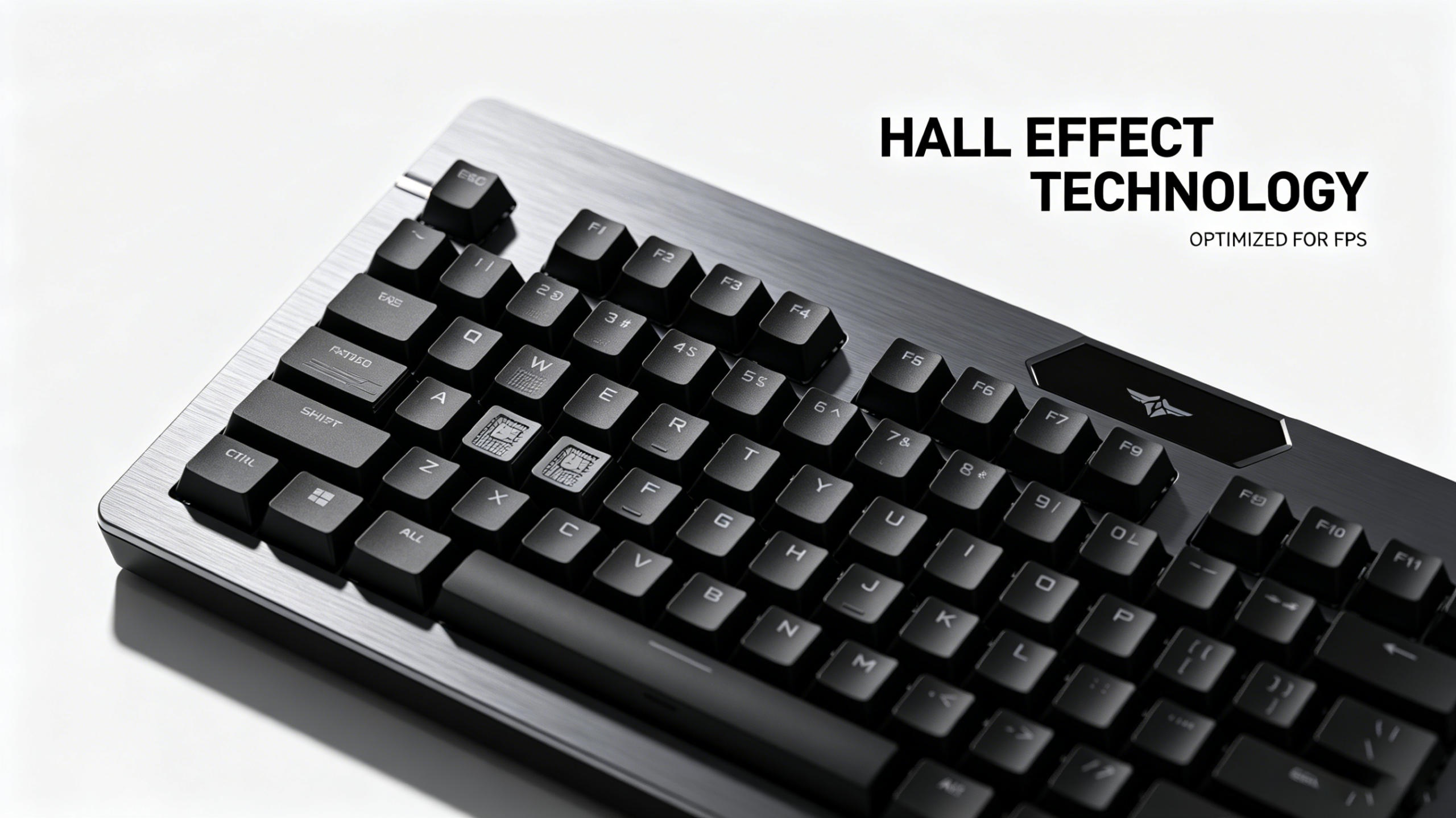
Why Hall Effect Keyboards Feel Faster
Hall Effect keyboards have become increasingly popular in Europe and among competitive FPS gamers because they provide a smoother and faster gaming experience.
Unlike traditional mechanical keyboards, Hall Effect keyboards use magnetic sensors to detect movement.
This technology enables advanced features such as:
- Rapid Trigger
- Adjustable actuation
- Dynamic reset points
- Ultra low latency
- Analog input
These features make Hall Effect keyboards especially effective for games that require fast movement and precise timing.
Popular games include:
- Valorant
- Counter-Strike 2
- Apex Legends
- Overwatch 2
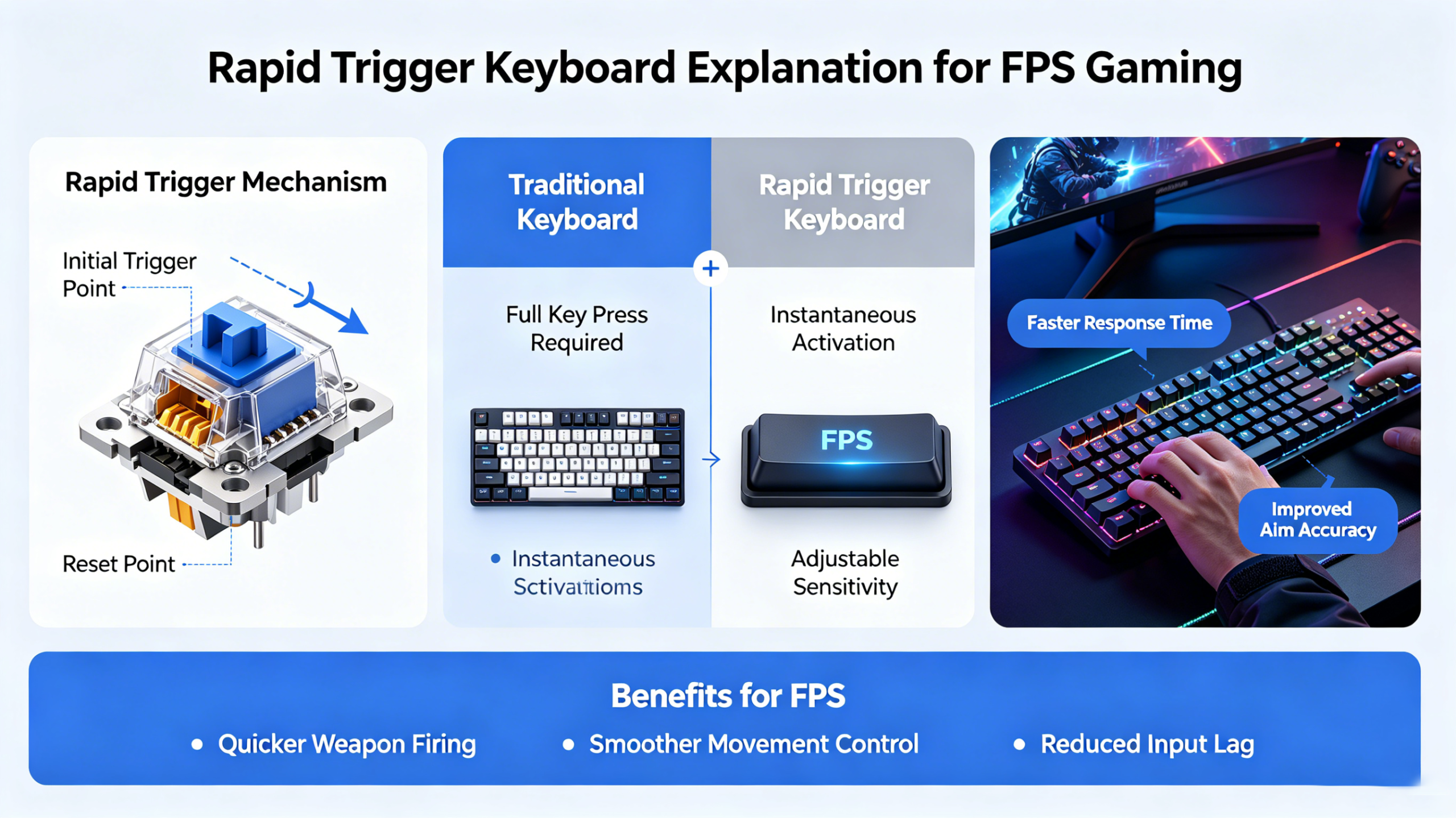
What Is Rapid Trigger?
Rapid Trigger is one of the biggest reasons why gamers prefer Hall Effect keyboards.
Traditional mechanical switches require the key to fully reset before registering another input.
Rapid Trigger dynamically changes the reset point based on finger movement, allowing much faster repeated actions.
This improves:
- Counter strafing
- Movement accuracy
- Reaction timing
- Fast directional changes
Professional players often prefer Rapid Trigger keyboards because movement feels more responsive and immediate.
How to Reduce Keyboard Input Delay
If your keyboard feels delayed, there are several ways to improve responsiveness.
Use a Higher Polling Rate
If your keyboard software supports it, increase the polling rate to:
- 1000Hz
- 4000Hz
- 8000Hz
Higher polling rates reduce communication delay between the keyboard and PC.
Switch to Wired Mode
If you experience wireless keyboard lag, switching to wired mode may improve consistency.
This is especially important for competitive gaming.
Update Firmware and Drivers
Outdated firmware can sometimes cause unstable response times or compatibility issues.
Always install the latest keyboard firmware and drivers from the manufacturer.
Lower Debounce Settings
Some gaming keyboards allow debounce customization.
Lower debounce settings may improve response speed, although extremely low values can sometimes cause accidental double presses.
Upgrade to a Hall Effect Keyboard
Many modern Hall Effect keyboards offer significantly lower latency compared to standard office keyboards.
Features like Rapid Trigger and adjustable actuation can noticeably improve movement responsiveness in FPS games.
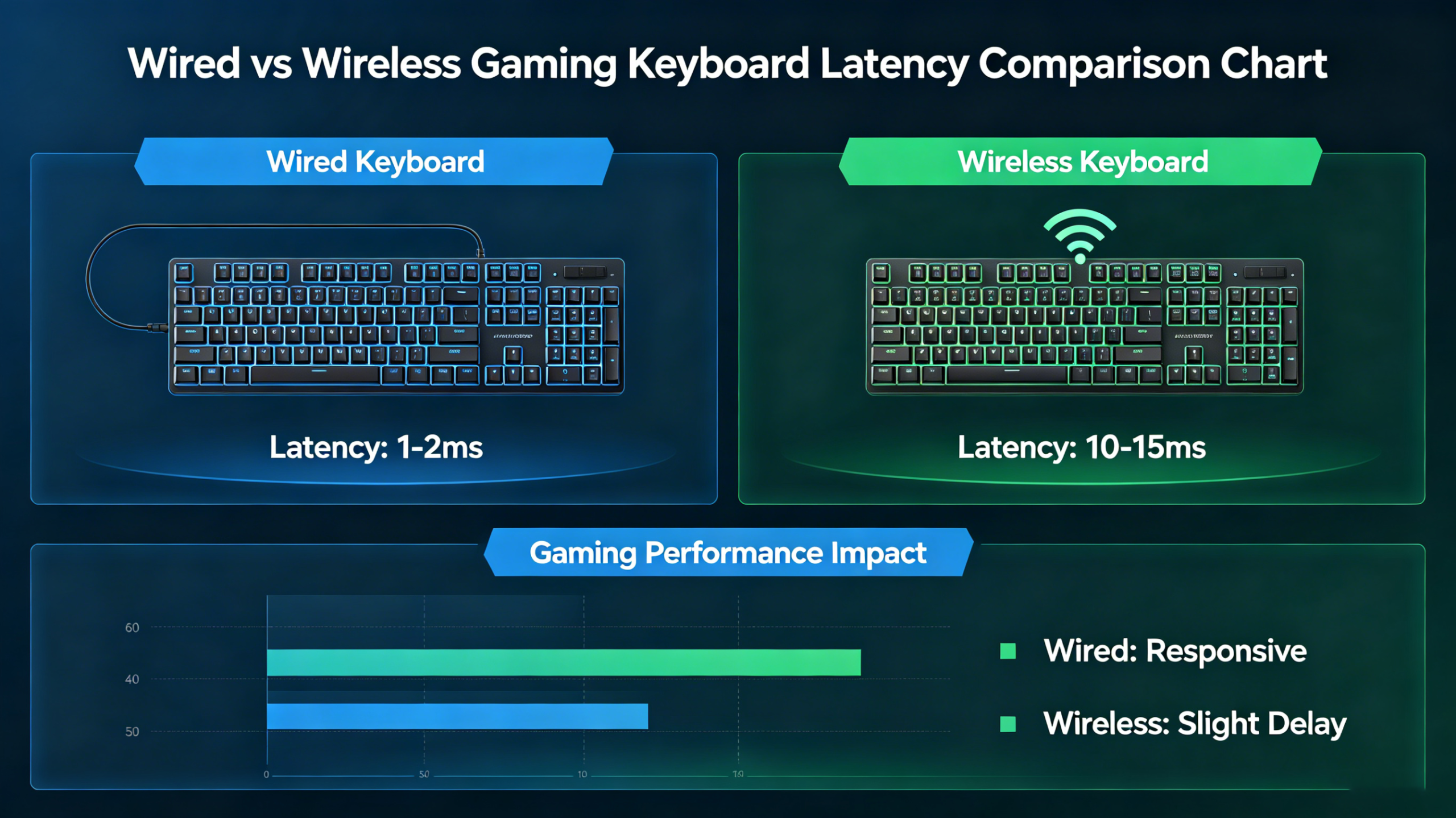
Wired vs Wireless Gaming Keyboard Latency
A common question among European gamers is whether wireless keyboards are fast enough for esports gaming.
The answer depends heavily on the keyboard technology.
Older Bluetooth keyboards often have noticeable delay, while modern 2.4GHz wireless gaming keyboards can achieve very low latency.
Still, wired gaming keyboards remain the preferred choice for many competitive players because they provide maximum consistency.
Hall Effect keyboards with optimized wireless performance are beginning to close this gap.
Not necessarily.
Many users assume expensive keyboards automatically provide better performance, but price alone does not guarantee lower latency.
What actually matters includes:
- Polling rate
- Switch technology
- Firmware optimization
- Input processing speed
- Debounce implementation
This is why some affordable Hall Effect keyboards now compete with premium esports keyboards in terms of responsiveness.
European users especially tend to prioritize value gaming keyboards that combine performance and affordability.
Best Keyboard Features for Low Latency Gaming
If you mainly play FPS games, these are the most important features to look for:
Recommended Features
- Hall Effect switches
- Rapid Trigger support
- Adjustable actuation
- 1000Hz or higher polling rate
- Wired or low-latency wireless connection
- Stable firmware optimization
These features can dramatically improve gaming responsiveness and overall feel.
Final Thoughts
Keyboard input delay can come from many different sources, including low polling rates, wireless interference, slow switch technology, or poor firmware optimization.
For casual users, small amounts of latency may not matter much. However, for competitive FPS players, faster response times can significantly improve movement precision and gameplay consistency.
This is why Hall Effect keyboards are becoming increasingly popular among gamers across Europe. Features like Rapid Trigger, adjustable actuation, and ultra-low latency performance provide a noticeable advantage in fast-paced games like Valorant and CS2.
If your current keyboard feels delayed or inconsistent, upgrading to a modern low latency gaming keyboard may dramatically improve your experience.
FAQ Section
Why does my gaming keyboard feel delayed?
Gaming keyboard delay is usually caused by low polling rates, wireless interference, high debounce settings, or slow switch technology. Competitive gamers often prefer low latency Hall Effect keyboards for faster response times.
Does polling rate reduce keyboard input lag?
Yes. Higher polling rates allow the keyboard to send information to the PC more frequently. Many gaming keyboards now support 1000Hz, 4000Hz, or even 8000Hz polling rates to reduce latency.
Are Hall Effect keyboards faster than mechanical keyboards?
In many cases, yes. Hall Effect keyboards use magnetic sensors and often support Rapid Trigger and adjustable actuation, which can reduce response time and improve movement consistency in FPS games.
Is wireless keyboard latency noticeable?
For casual users, wireless latency may not be obvious. However, competitive FPS players may notice delay on lower-quality Bluetooth keyboards. Modern low latency wireless gaming keyboards perform much better.
What is the best keyboard type for Valorant?
Many Valorant players prefer Hall Effect gaming keyboards because they offer Rapid Trigger, ultra low latency, and adjustable actuation for faster movement and more precise strafing.
Can keyboard input lag affect gaming performance?
Yes. Keyboard latency can affect movement timing, reaction speed, and consistency, especially in competitive games like Valorant, CS2, and Apex Legends.

Add comment
You must be logged in to post a comment.