AULA L99 Firmware Update Guide – Fix Screen Touch & Black Screen Issues
You can download the firmware at this link:
https://aulakeyboard.com/download/l99-screen-firmware-update/
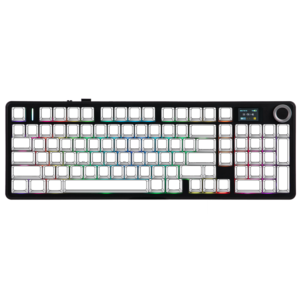
Some AULA L99 users may experience screen-related issues such as unresponsive touch or a black screen during use. To help resolve these problems, we have released a new screen firmware update.
If you are experiencing these issues, we recommend updating your keyboard firmware by following the instructions below.
What Issues Can This Firmware Fix?
The latest AULA L99 screen firmware update can help resolve the following problems:
Screen touch not responding
Screen random black screen
Display not waking properly
Updating the firmware may restore normal screen functionality.
Firmware Update Instructions
Please follow these steps carefully when updating your keyboard firmware:
Step 1 – Watch the Tutorial Video
We have provided a step-by-step video tutorial to guide you through the firmware update process.
Please follow the instructions shown in the video.
Step 2 – Start the Firmware Update
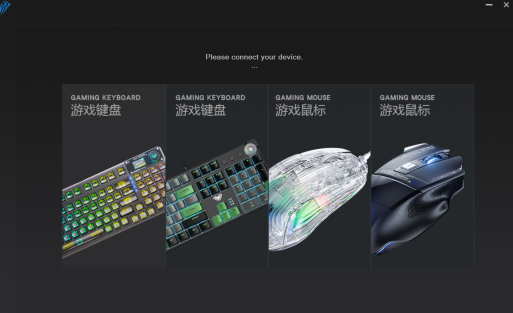
Download and run the firmware update tool, then begin the update process according to the video guide.
Step 3 – Do Not Interrupt the Update
During the update process:
Do not unplug the keyboard
Do not move the keyboard or mouse
Do not close the update software
Interrupting the update may cause the firmware installation to fail.
Step 4 – Wait for the Update to Finish
Once the update is complete, the keyboard screen should return to normal operation.
Important Notes
This firmware update is specifically designed to fix L99 screen issues.
Please make sure your keyboard remains connected throughout the update process.
Do not power off the device until the update is finished.
Need Help?
If you experience any issues during the firmware update process, please contact our support team and we will be happy to assist you.
📧 Support Email:
[email protected]

Add comment
You must be logged in to post a comment.