The Complete Beginner's Guide to Mechanical Keyboards (2026 Edition)
Mechanical keyboards have become increasingly popular across Europe, whether for work, gaming, studying, or creative projects. Compared with traditional membrane keyboards, they offer improved durability, a more satisfying typing experience, and greater customization possibilities.
If you’re buying your first mechanical keyboard, it’s easy to feel overwhelmed by terms like linear switches, tactile feedback, PBT keycaps, 60% layout, or ANSI vs ISO. This guide explains the essentials to help you choose the right keyboard for your needs.
What Is a Mechanical Keyboard?
A mechanical keyboard uses individual mechanical switches beneath every key instead of a rubber membrane. Each key operates independently, providing more precise input, longer lifespan, and a consistent typing feel.
Mechanical keyboards are popular among:
- Office professionals
- Students
- Competitive gamers
- Programmers
- Content creators
Their versatility makes them suitable for both productivity and entertainment.
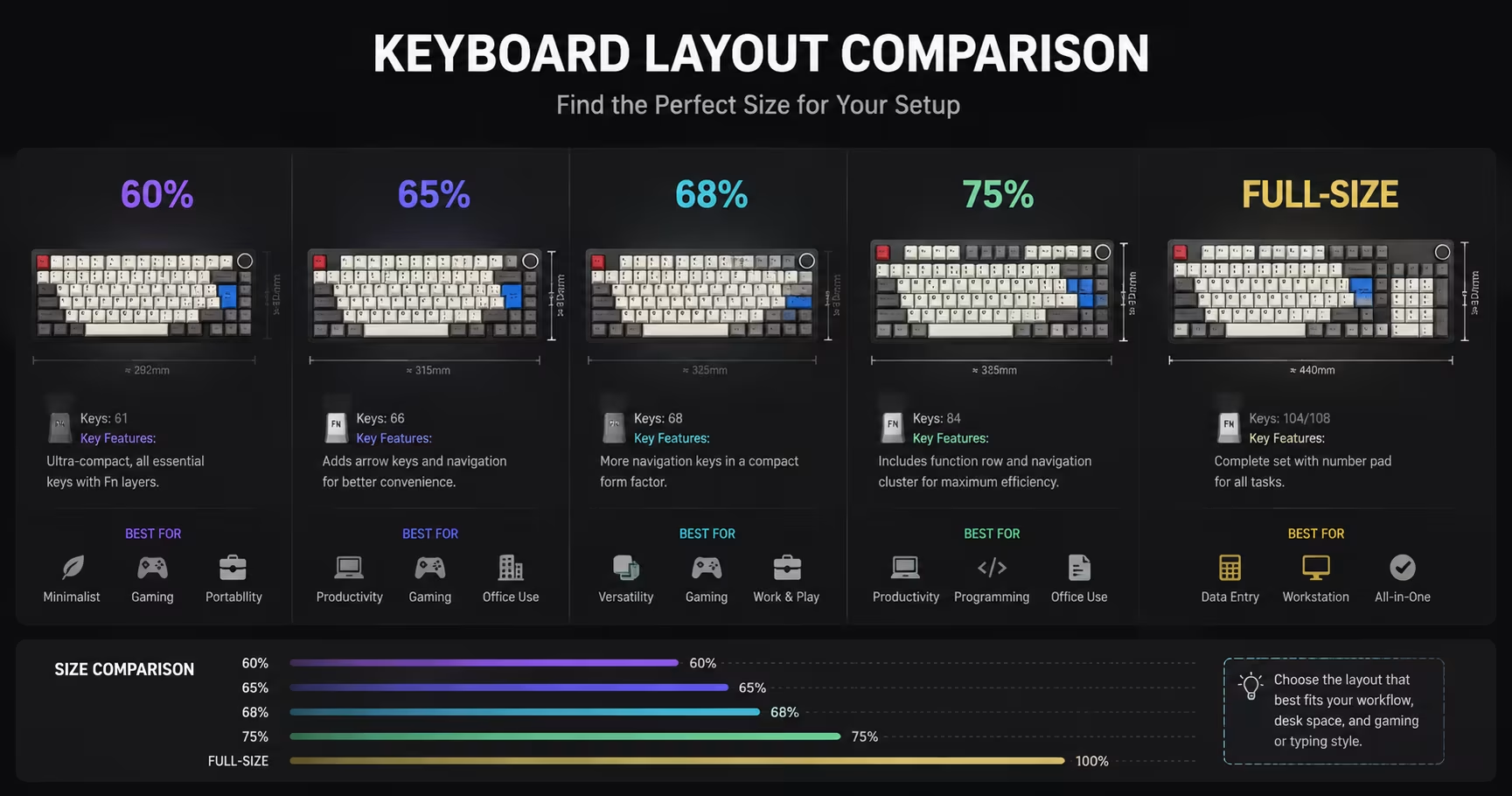
Choosing the Right Keyboard Size
Keyboard size is one of the first decisions you’ll make.
- 60% Keyboard – Compact design with maximum desk space, ideal for gaming.
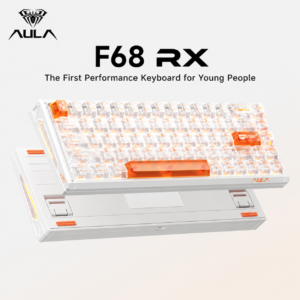
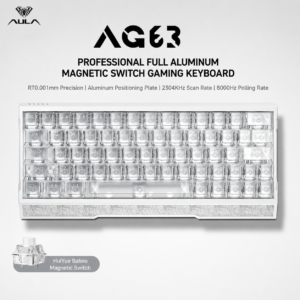
- 65% / 68% Keyboard – Adds arrow keys while keeping a compact footprint.
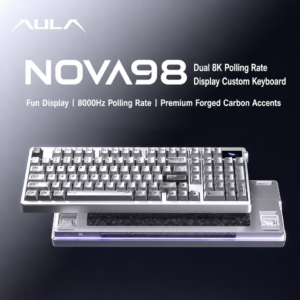
- 75% Keyboard – Includes more function keys for productivity.
- Full Size – Best for users who regularly use the numeric keypad.
Choosing the right size depends on your workflow, desk space, and personal preference.
Understanding Keyboard Switches
Switches determine how a keyboard feels and responds.
The three most common mechanical switch types are:
- Linear – Smooth and quiet, popular for gaming.
- Tactile – Provides noticeable feedback for typing.
- Clicky – Produces an audible click with each keystroke.
Each type offers a different typing experience, so choosing the right switch depends on whether you prioritize speed, feedback, or sound.
Why Keycaps Matter
Keycaps influence not only appearance but also typing feel and durability.
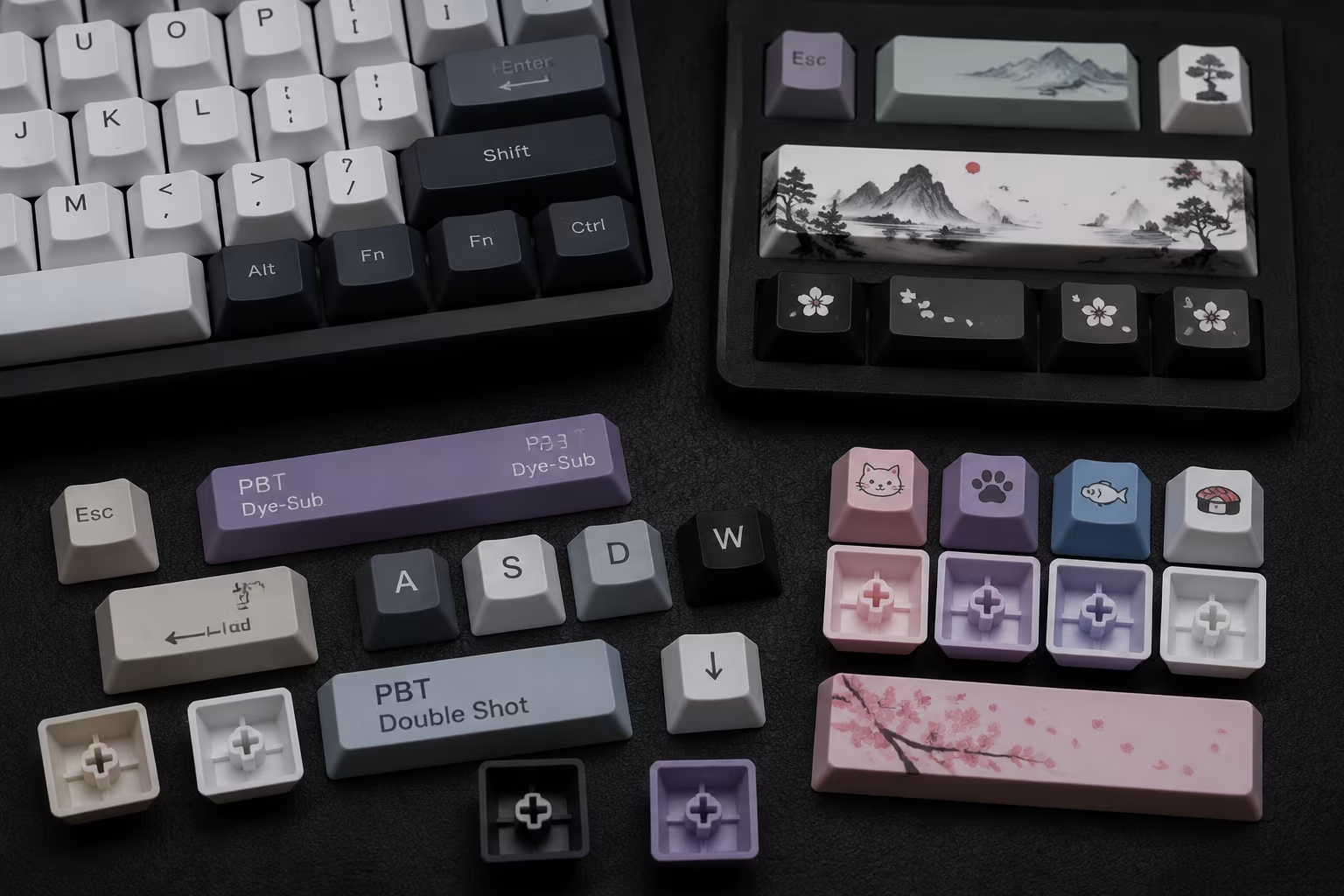
Many enthusiasts prefer PBT keycaps because they resist shine and maintain their texture over time. Dye-sub keycaps also offer long-lasting legends that remain clear after years of use.
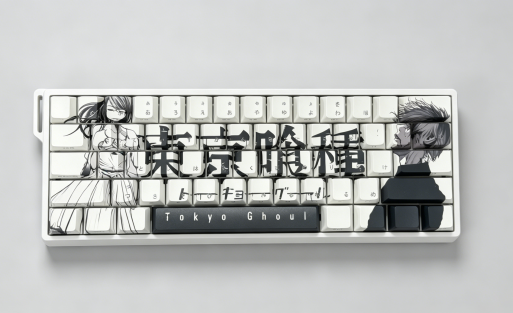
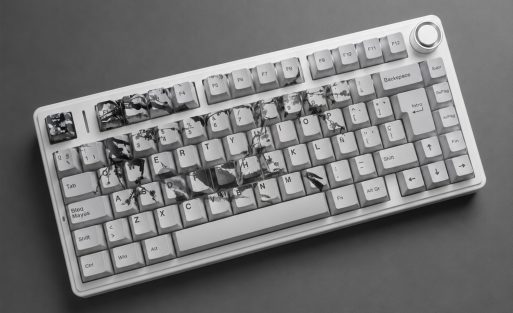
At AULA, users can also explore custom keycap options, including personalized colors, artwork, and language layouts for a more unique keyboard experience.
Keyboard Layouts Around the World
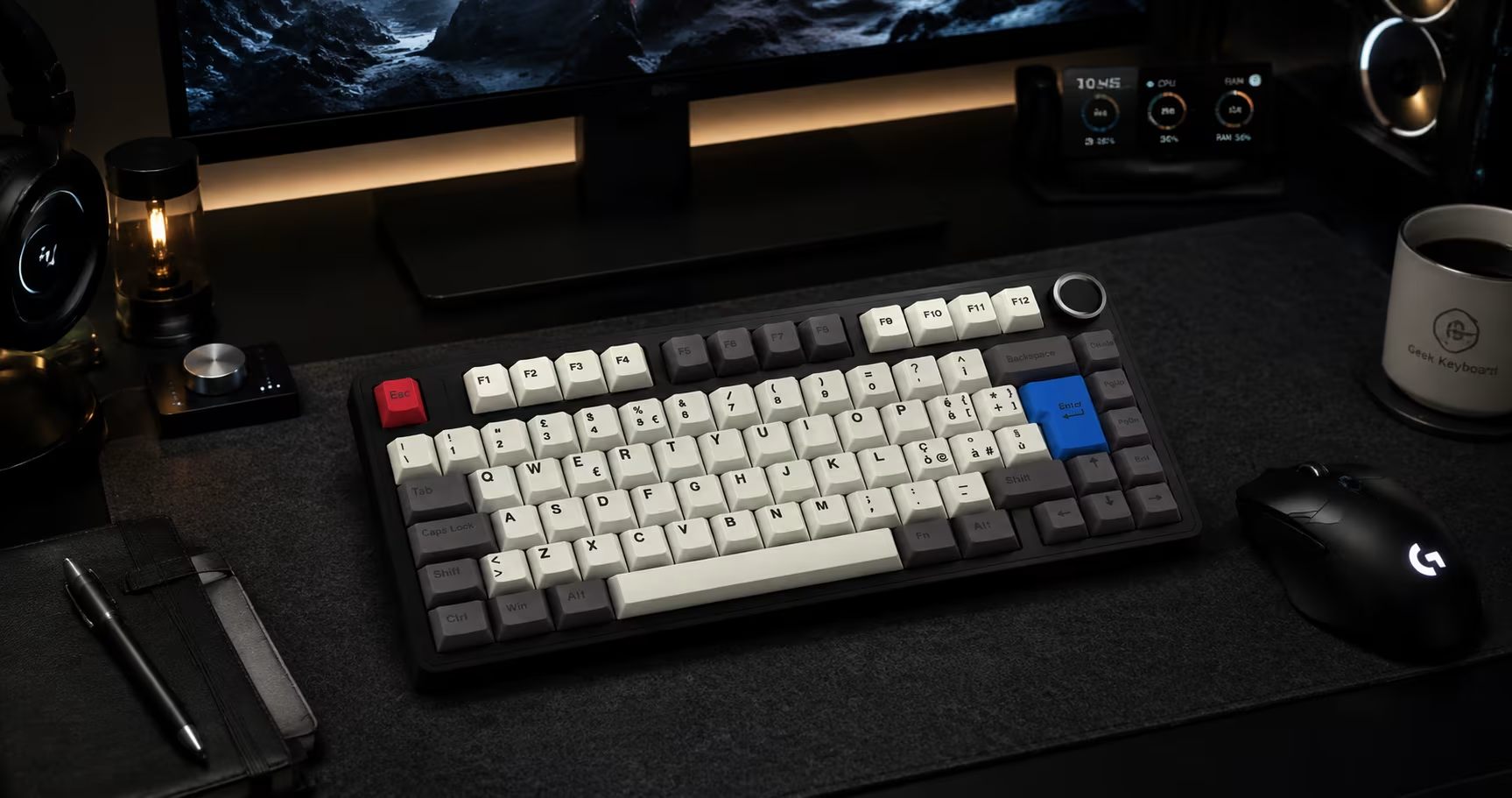
European users often require different keyboard layouts depending on their country.
Popular layouts include:
- German (QWERTZ)
- French AZERTY
- Spanish
- Italian
- Nordic
- Portuguese
If the language layout you need is not currently listed on our website, you are welcome to contact the AULA team. We regularly assist customers with custom language layouts and personalized keycap designs for regional requirements.
How to Choose Your First Mechanical Keyboard
Before making a purchase, consider the following:
- How much desk space do you have?
- Will you mainly use the keyboard for gaming, work, or both?
- Do you prefer a compact layout?
- Which switch type suits your typing style?
- Are custom keycaps or regional layouts important to you?
Choosing the right keyboard is about matching your daily habits rather than simply selecting the most expensive model.
Continue Your Keyboard Journey
Mechanical keyboards offer far more than faster typing. They provide a platform for personalization, comfort, and long-term performance.
In the coming guides from the AULA Keyboard Academy, we’ll explore topics such as:
- Mechanical Switch Types Explained
- ANSI vs ISO Keyboard Layouts
- PBT vs ABS Keycaps
- Keyboard Sizes Explained
- How to Design Your Own Custom Keycaps
Whether you’re buying your first keyboard or planning a fully customized setup, understanding these fundamentals will help you make more informed decisions.
Frequently Asked Questions
Are mechanical keyboards better for everyday use?
Yes. Many users choose mechanical keyboards because they offer improved durability, consistent typing feel, and a more comfortable experience for long hours of work or study.
What keyboard size is best for beginners?
A 65% or 68% keyboard is often recommended because it balances compact size with practical functionality.
What are the main types of mechanical switches?
The three main types are linear (smooth), tactile (with feedback), and clicky (audible click), each suited to different preferences.
Can I customize my keyboard layout?
Yes. If your preferred language layout is unavailable, AULA can often assist with custom language layouts and personalized keycap solutions.

Add comment
You must be logged in to post a comment.