AULA Custom Keyboard: From Design to Finished Prototype
You can turn your idea into a Custom Keyboard with Aula’s simple process. Start with your vision, then choose layouts like ANSI or ISO for the best typing comfort.
- Tip: Multilingual options let you type in your preferred language with ease.
Concept & Goals
When you start a custom keyboard project, your goal is to solve specific problems and meet personal preferences. Many users want a design that matches their country’s language layout and allows them to personalize the keyboard for a more comfortable typing experience.
You also need to decide which layout suits your typing habits. Here are some commonly used layouts:
QWERTY: the most widely used keyboard layout worldwide.
Other layouts include: QWERTZ, Swedish, AZERTY, Italian (IT), etc.
If you type in German, French, or Italian, you can choose a local language layout. For example, a German customer selected an ISO layout with German legends to achieve the best comfort and typing accuracy.
Start designing
Once you know your needs, you start designing your keyboard. You pick a theme and color scheme that matches your style. You select the layout—ANSI or ISO—and decide on the language or local characters. You choose the key range, such as 60, 65, 75, TKL, or full-size, depending on your desk space and typing habits.
To simplify the process, you can go directly to Aula Keyboard to design your keyboard. Aula offers a wide range of models and switches, making it easy to customize your keyboard. You can also preview the final design before completing your order.
Steps to Custom a Keyboard
Define the theme and color scheme
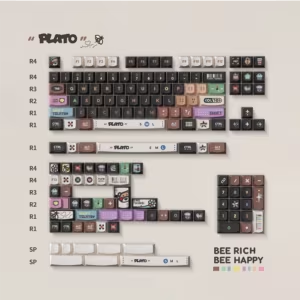
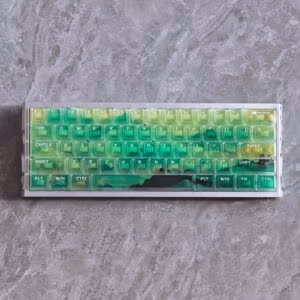
You start by choosing a theme and color scheme that matches your personality or workspace. Many users select popular color combinations for their Custom Keyboard, such as Carbon (ivory, black, orange), Cheese Green (white, grass green), or Gray and White. These schemes create a unique look and help your keyboard stand out. The table below shows some of the most popular color schemes and their features:
| Color Scheme | Description | Popularity | Difficulty |
|---|---|---|---|
| Carbon | Ivory, black, orange; tri-color keycaps | ★★★★★ | ★★★★ |
| Cheese Green | White, grass green; elegant design | ★★★★★ | ★★ |
| Gray and White | White, steel gray; nostalgic feel | ★★★★ | ★ |
| 1976 | Cerulean blue, red, yellow, burnt umber | ★★★★ | ★★★ |
| DND | Cyan blue, cobalt blue; deep gradient | ★★★★ | ★★ |
| Darkness | Red, black; strong contrast | ★★★ | ★★ |
| Purple and Pink | Rose pink, purple; warm and inviting | ★★ | ★★★ |
| Red and Pink | Scarlet, pink; vibrant | ★ | ★★ |
| Black and Pink | Black, pink; unique aesthetic | ★ | ★★ |
- Tip: You can also add customizable RGB backlighting for even more color options and visual effects.
Choose a layout: ANSI / ISO
Next, you select the keyboard layout. ANSI and ISO are the most common choices. ANSI is popular in the US and many other regions, while ISO is preferred in Europe. The layout affects the shape and position of keys, especially the Enter and Shift keys. Picking the right layout improves your typing comfort and accuracy.
Select the layout you need: German layout, French layout, Swiss layout, Italian layout
You can choose a language-specific layout to match your typing habits. For example, the QWERTZ layout is common in Germany, while AZERTY is used in France. The table below highlights how these layouts help you type in your native language:
| Language Layout | Description |
|---|---|
| AZERTY | Used in French-speaking regions, easy access to French characters |
| QWERTZ | Common in German-speaking countries, supports German typing |
Key size options: 60/65/75/full-size
You decide on the keyboard size based on your needs. A 60% keyboard saves desk space and allows for more mouse movement. A 65% keyboard adds arrow keys and a home cluster. A 75% keyboard keeps the F row and arrow keys but stays compact. Full-size keyboards offer all keys for maximum functionality. The table below compares these options:
| Keyboard Size | Advantages | Disadvantages |
|---|---|---|
| 60% | Compact, easy to carry | Fewer keys, less suited for office |
| 65% | Arrow keys included, portable | Some functions need FN key |
| 75% | F row and arrows, compact | Harder to find replacement keycaps |
| Full-size | All keys available, best for productivity | Larger, takes up more space |
Review the final design—confirm approval
Before production, you need to review the final design. Check whether the layout meets your requirements, whether the color scheme fits your style, and whether all desired functions are included. Many users want designs with unique layouts, wireless connectivity, or brand elements such as logos. Once the design fully matches your expectations, you can submit your order.
Note: If you need to make further adjustments to any details, you can leave a comment or contact us via email, so that you can achieve the most satisfactory and ideal result.
What We Handle for You (So the Final Result Matches Your Design)
Layout Confirmation (ANSI / ISO and Local Language Layouts)
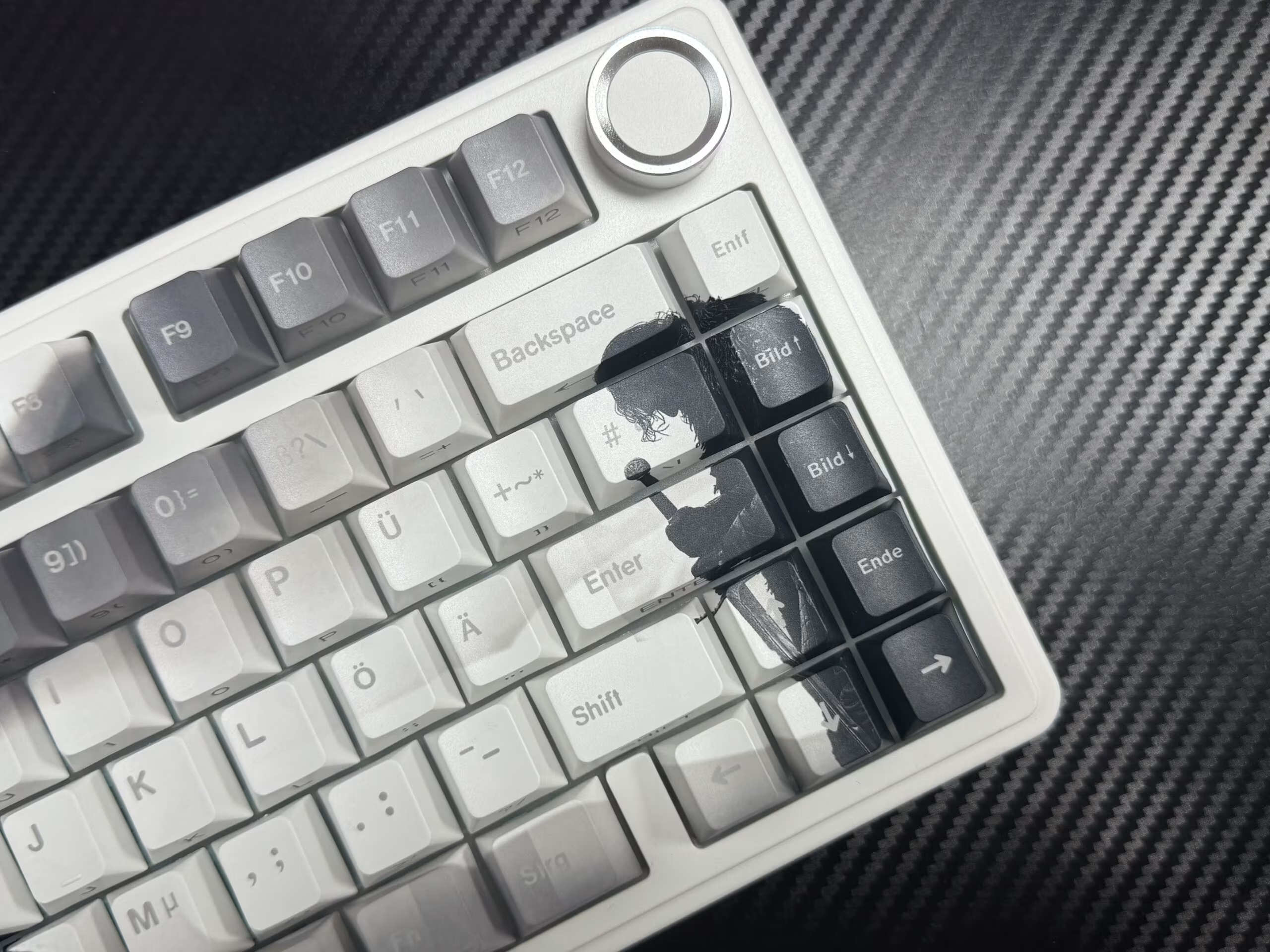
You start by confirming the keyboard layout. Aula checks every detail, including the shape of the Enter key, the size of the Left Shift, and any extra keys you need. If you choose a German ISO layout, Aula matches the key positions and sizes to your request. You see sample shots of your layout before production begins. This step helps you avoid mistakes and ensures your Custom Keyboard feels familiar when you use it.
Legend & Character Proofreading (Symbols, Accents, Language-Specific Keys)
Aula reviews every legend and character on your keycaps. You get to verify accents, special characters, capitalization, and positioning. If you type in French or Italian, Aula checks that all language-specific keys appear correctly. You see proof images to confirm that symbols and letters look clear and accurate. This process prevents errors and makes sure your keyboard supports your daily typing needs.
PBT Dye-Sublimation Sampling (Durable, Crisp Legends, Long-Lasting Print)
Aula uses PBT dye-sublimation to create your keycaps. The dye-sublimation process infuses dye into the PBT plastic using heat and pressure. This method produces smooth, long-lasting legends that resist fading, especially for dark text on lighter keycaps. The pigment becomes part of the plastic, so the legends stay sharp and durable even after years of use. Unlike other printing methods, dye-sublimation allows the ink to penetrate the plastic, which greatly improves the longevity and clarity of your keycaps.
Real Sample Photos (Prototype Showcase)
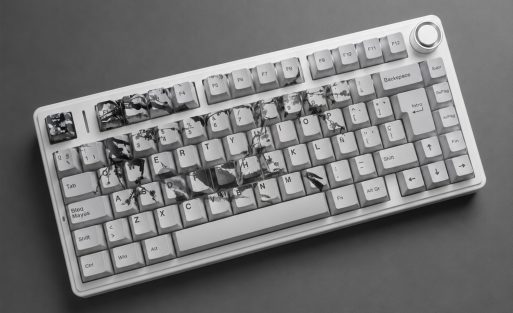
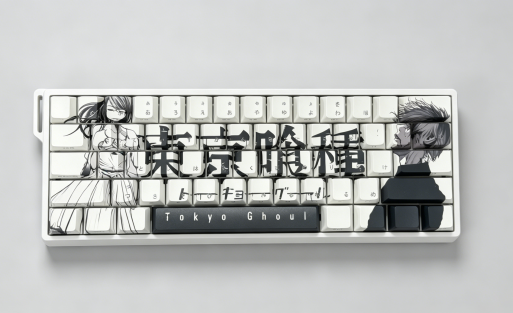
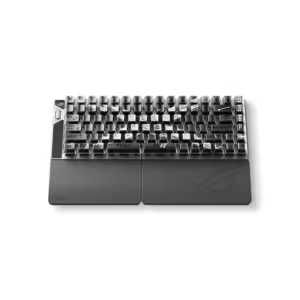
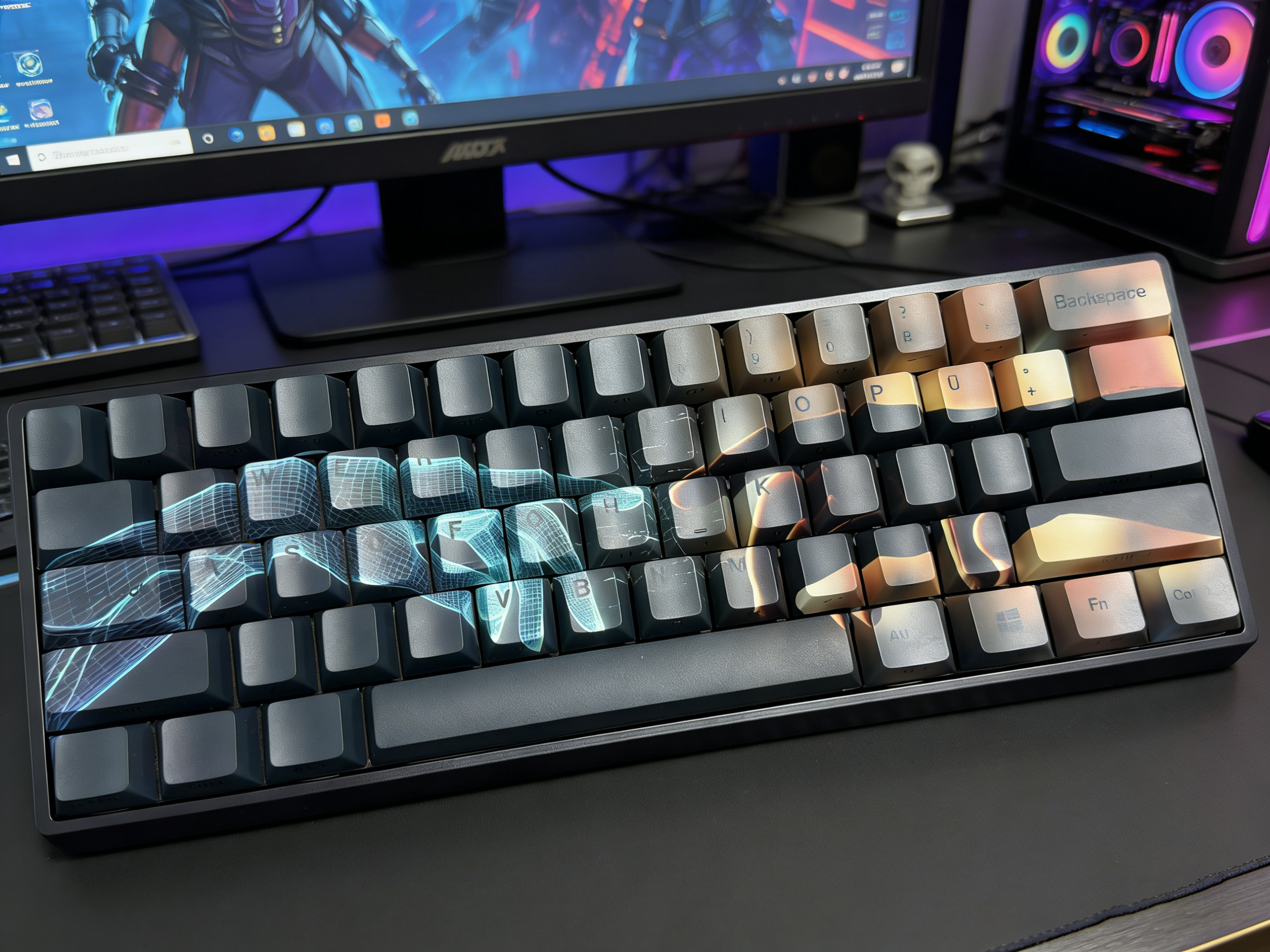
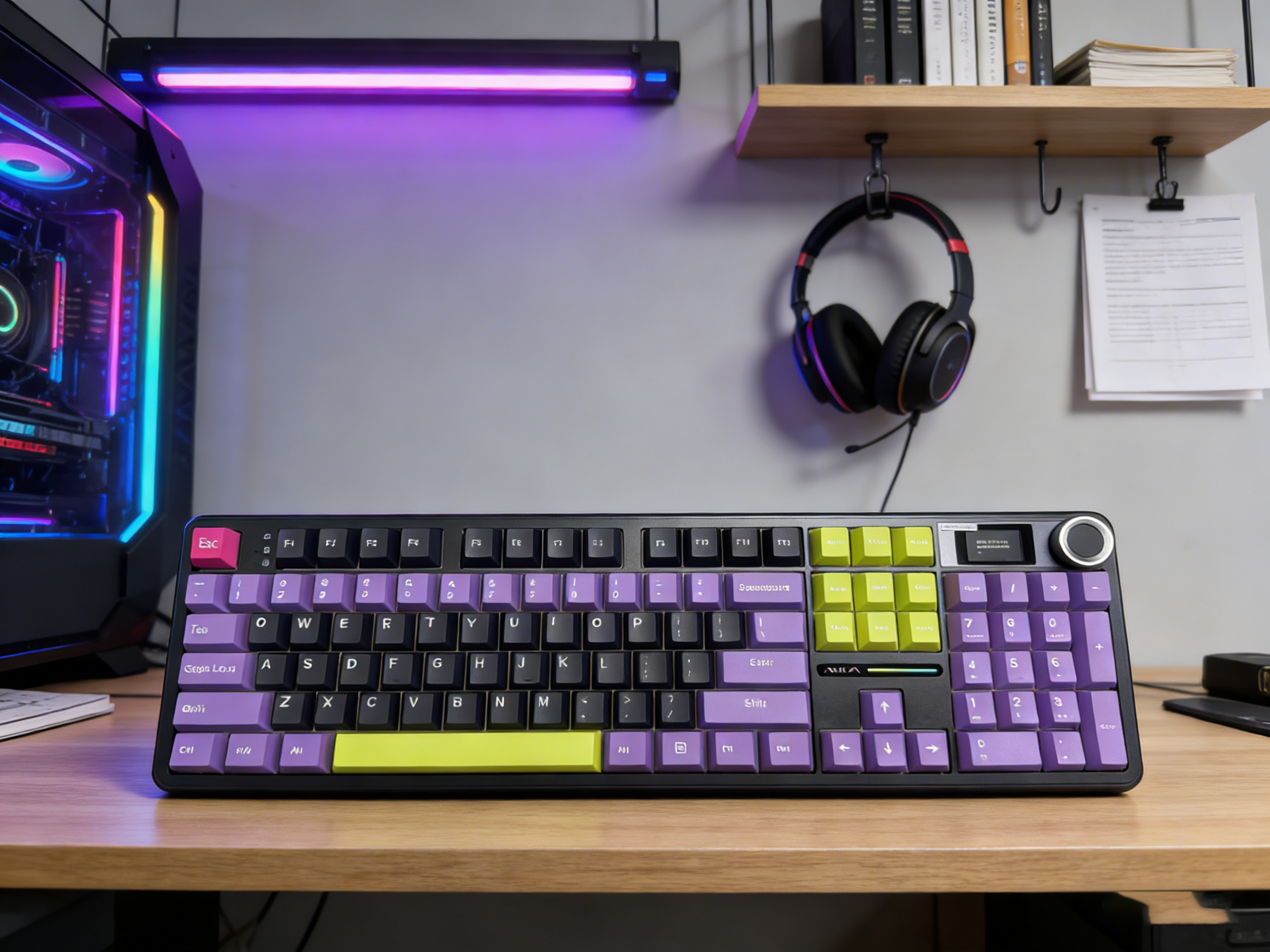
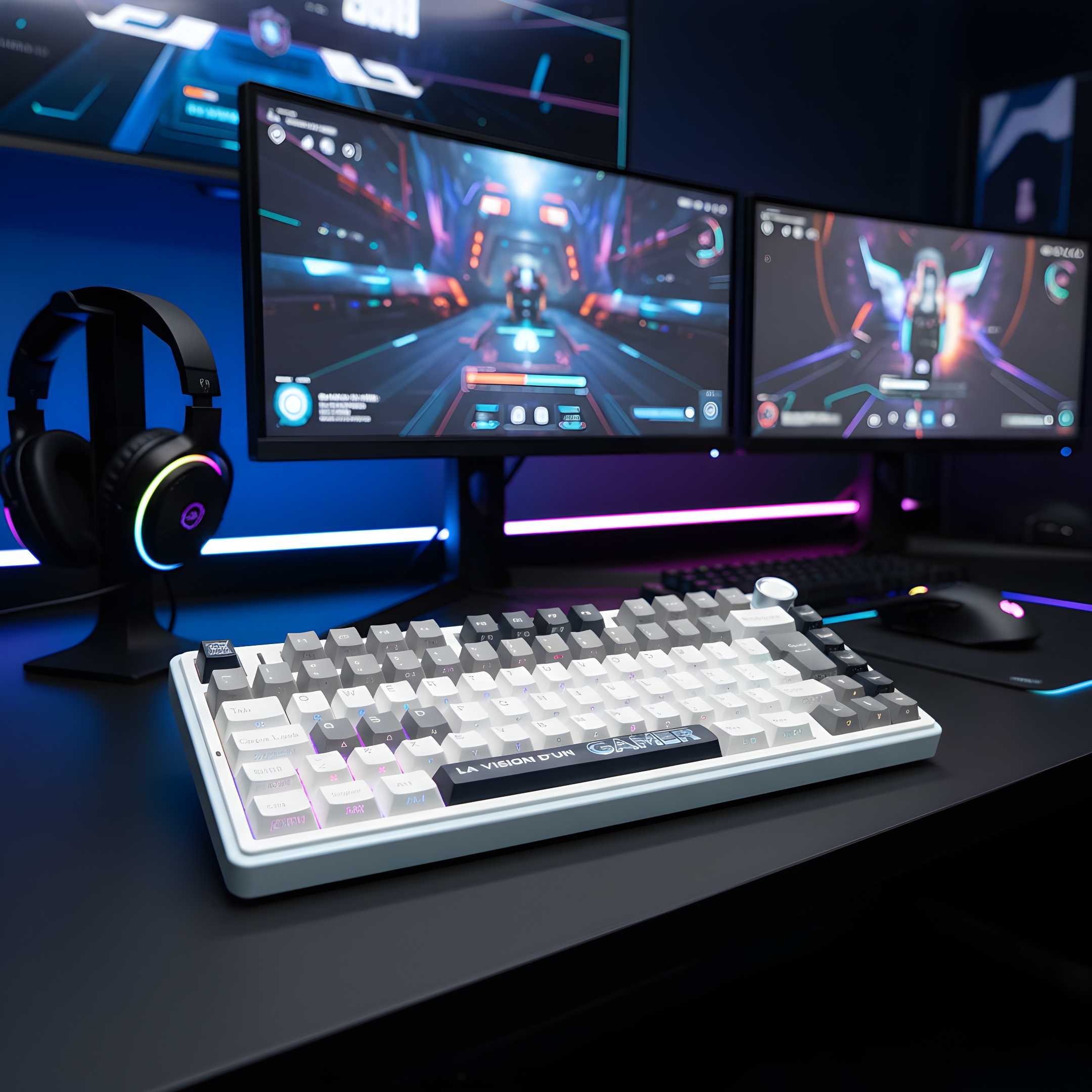
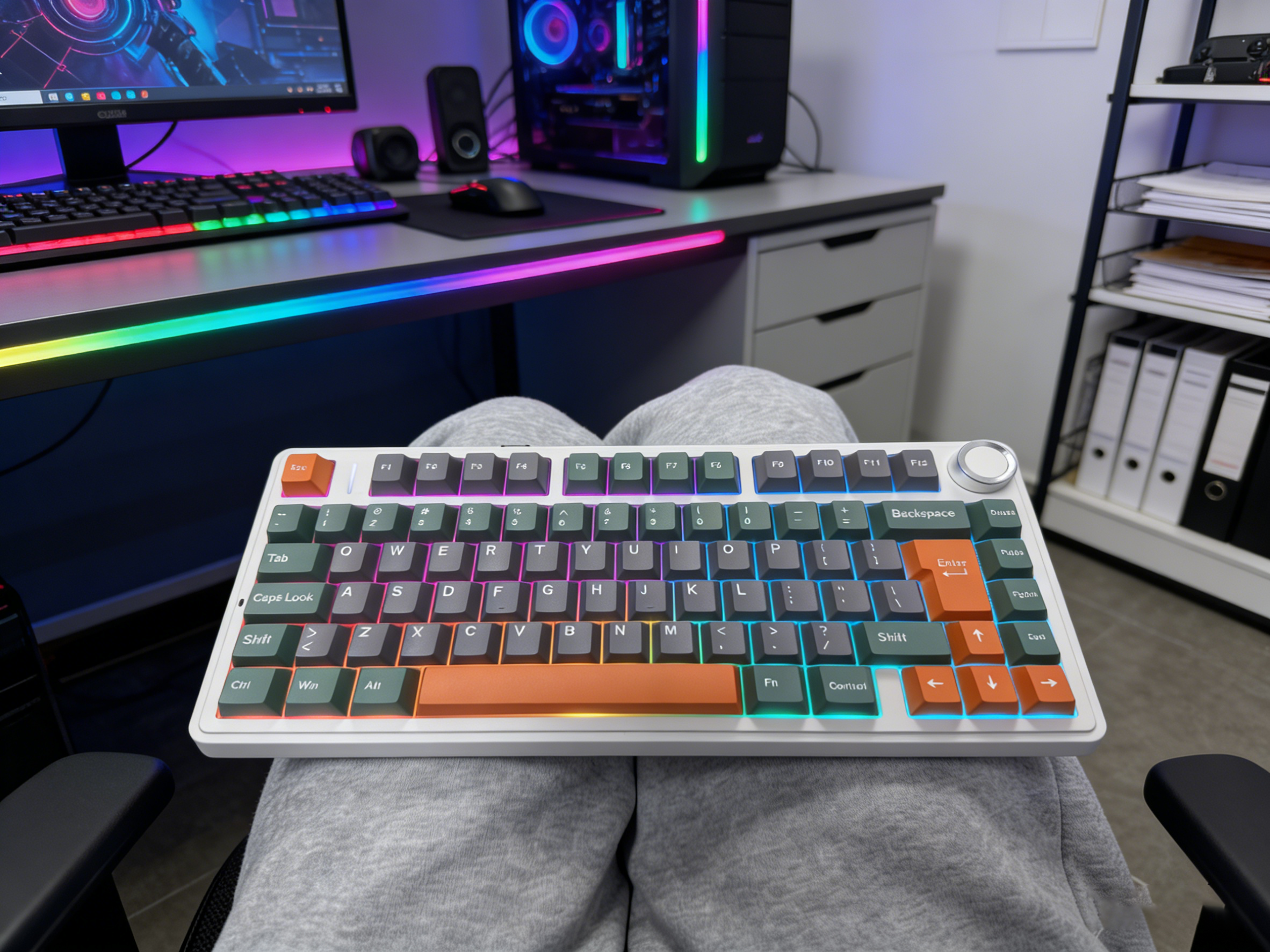
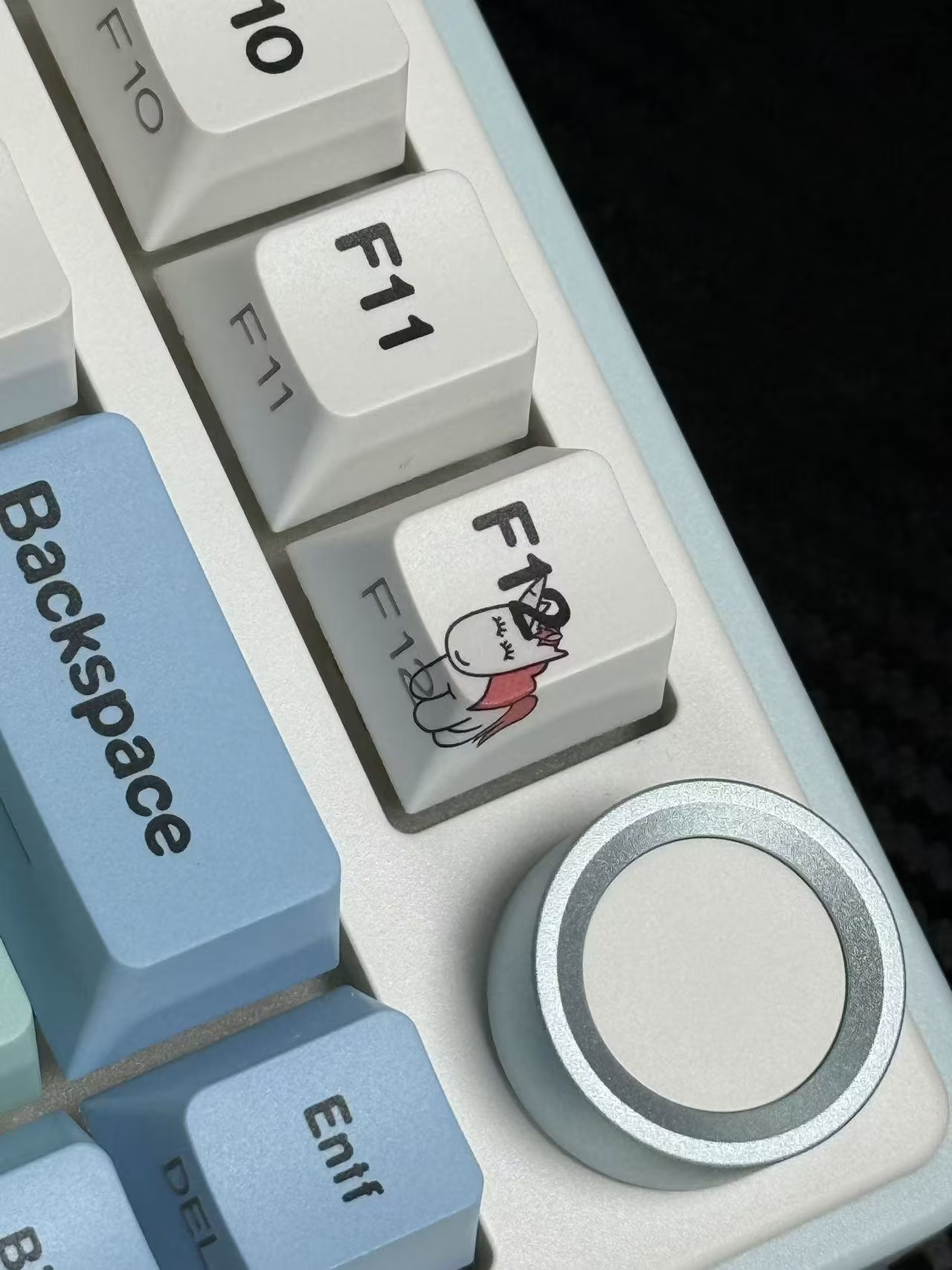
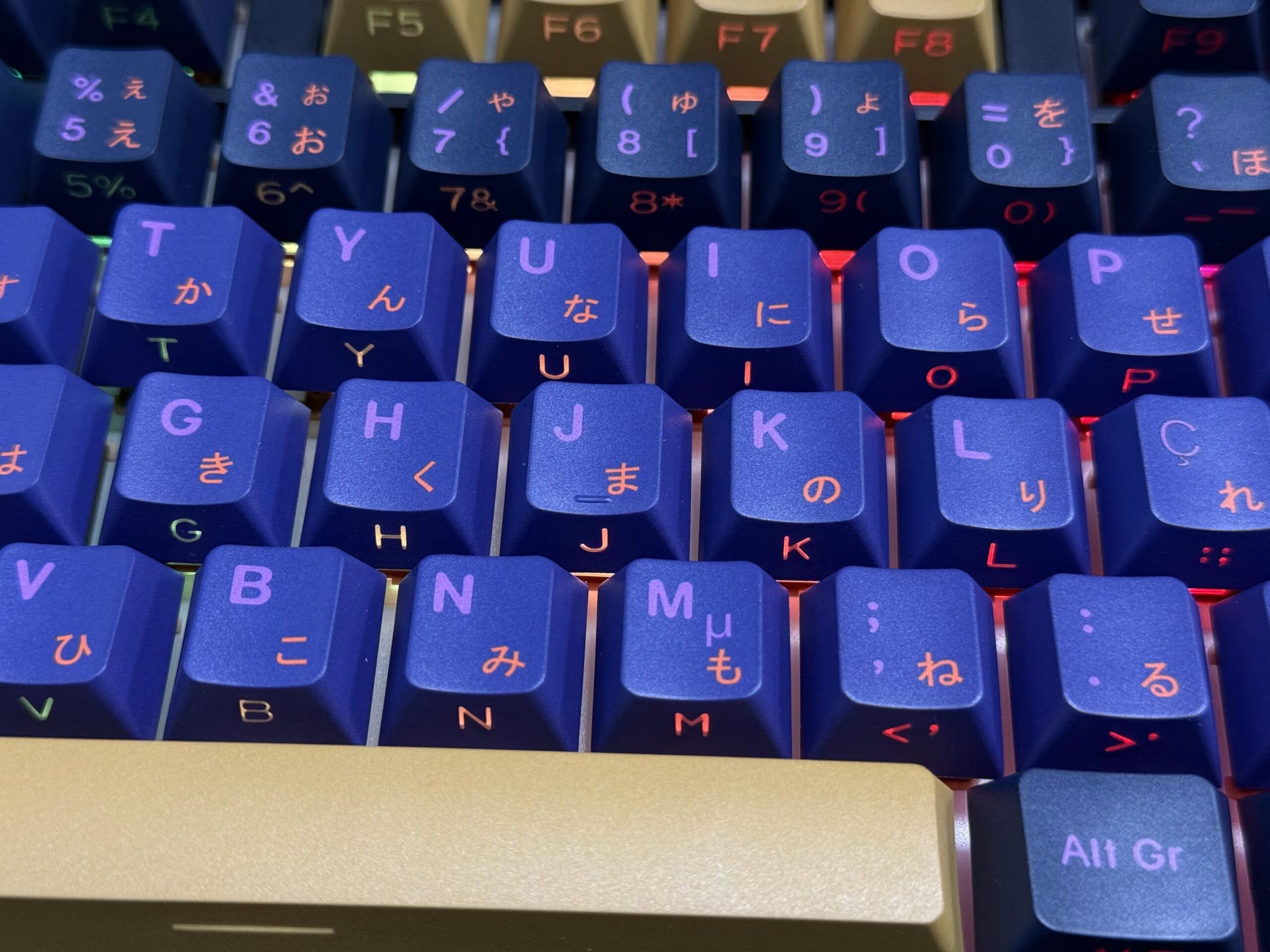
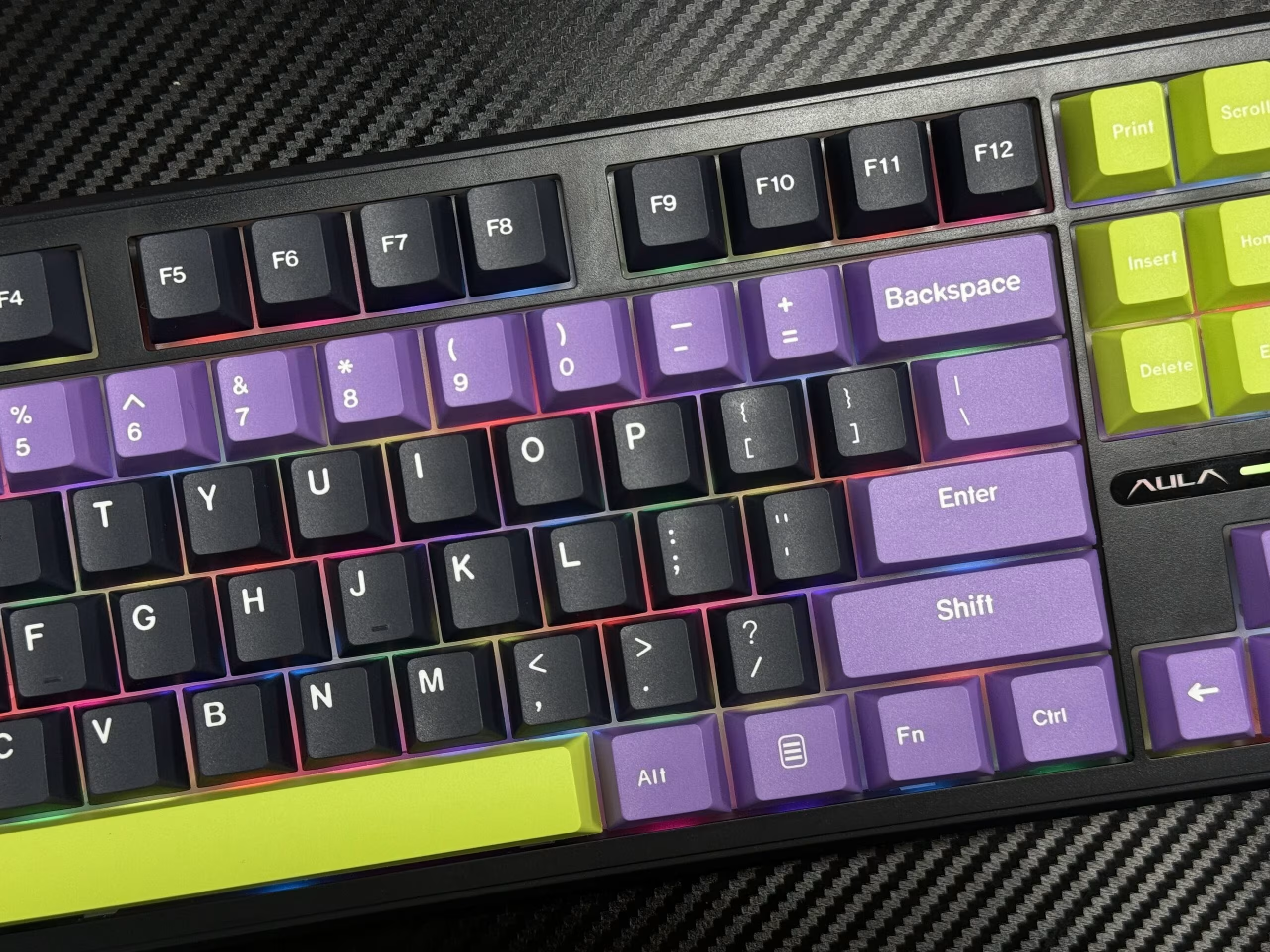
You can see how your Custom Keyboard design comes to life through real sample photos. Aula shares these images with you before final approval, so you can check every detail and feel confident about your choices. Each photo highlights a key feature that matters to both casual players and beginners.
One Key Highlight for Each Photo
1.Full Keyboard View
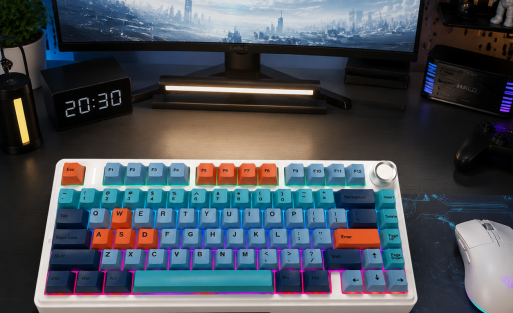
This photo shows the entire keyboard, featuring the selected color scheme. You can see how the colors blend and how the overall design fits your workspace.
2.Main Cluster Close-Up
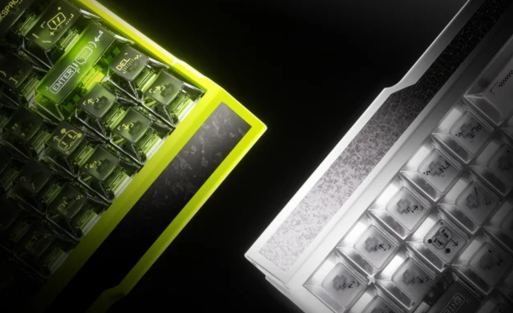
Zoom in on the main typing area. You notice the clarity of the legends and the crispness of the dye-sublimation print. This helps you check if the characters are easy to read.
3.Large Key Detail (Space/Enter/Shift)
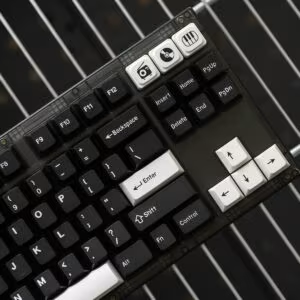
Focus on the Space, Enter, and Shift keys. You can inspect the alignment and edges, making sure the keys look clean and feel comfortable.
4.Edge and Consistency Check
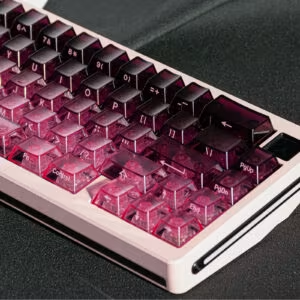
This shot highlights the smooth edges and consistent color across the keycaps. You see how single-piece construction reduces assembly marks and improves quality.
5.Layout Comparison: ISO vs ANSI
Compare the ISO and ANSI layouts. You can spot differences in the Enter key and other positions, helping you choose the best fit for your typing style.
You get to see real customer cases, like the German ISO layout with PBT keycaps, before your keyboard goes into production. These sample shots help you confirm that every detail matches your vision.
Why Custom Keycaps Are a Better Fit for Many Users
1) ANSI vs ISO: It’s More Than Just the Enter Key
When you choose between ANSI and ISO layouts, you do more than pick a different Enter key shape. The key size and placement change how your fingers move and how comfortable you feel while typing. ANSI layouts, which you often see in North America, have a compact design. This design reduces finger travel and can help you type faster with less strain. ISO layouts, common in Europe, offer a larger Enter key and an extra key. These features support local language needs and can make typing in your native language easier. Many users find that matching their layout to their muscle memory improves both comfort and speed.
“Switching to a keycap set that matched my typing style made a world of difference. The comfort and speed improvement were noticeable right away.”
2) Multi-Language Legends: Bring Your Typing Back to Your Native Layout
You benefit from custom keycaps when you want to type in your own language. With multi-language legends, you see all the special characters and accents you need right on your keyboard. This feature helps you avoid mistakes and reduces the time you spend searching for the right key. If you use your keyboard for both gaming and office work, having the correct legends supports your daily habits and keeps your typing natural.
“The aesthetics of my keyboard changed completely with a new keycap set. It not only looks amazing but also feels great to type on.
3) PBT + Dye-Sublimation: Built for Long-Term Daily Use
You want your keyboard to last. PBT keycaps with dye-sublimation printing resist wear, shine, and discoloration much better than standard ABS keycaps. This means your legends stay clear and your keyboard keeps its fresh look, even after years of use.
| Feature | PBT Keycaps | Standard ABS |
|---|---|---|
| Material Quality | ✔ Dye-Sublimation PBT | Standard Plastic |
| Wear Resistance | ✔ Resists Shine & Oils | ✘ Becomes Shiny/Greasy |
| Legend Durability | ✔ Permanent & Clear | ✘ Fades Over Time |
| Long-term Look | ✔ Fresh for Years | ✘ Shows Age Quickly |
When you build a Custom Keyboard with Aula, you get to see real sample shots before production. This step ensures your keycaps match your needs, whether you want a German ISO layout or a unique color scheme. You enjoy a keyboard that fits your style and supports your typing habits every day.
Ready to Create Yours?
Want the Same Look—or a Custom Build in Your Language & Layout?
You can start your journey with Aula by choosing a design that matches your style or by building a keyboard that fits your language and layout needs. Aula makes the process simple and rewarding, whether you want a classic look or something unique.
If you want a keyboard that supports your native language, Aula offers flexible options. You can select layouts like ANSI or ISO, and choose language-specific keycaps for German, French, Swiss, or Italian. Many users appreciate the ability to switch between multiple layouts, which helps you type comfortably in different languages. You can toggle between languages for a seamless typing experience, making your keyboard truly versatile.
Here are some customization options you can explore:
Select your preferred theme and color scheme.
Choose between ANSI and ISO layouts.
Pick a language layout, such as German QWERTZ or French AZERTY.
Decide on keyboard size: 60%, 65%, 75%, or full-size.
Request special features, like RGB lighting or wireless capability.
You have seen how your idea can become a Custom Keyboard with Aula’s step-by-step process. Each stage, from design to prototype, lets you shape a keyboard that fits your needs. Aula stands out with fast production, flexible customization, and high customer satisfaction, as shown below:
| Criteria | Aula F75 Suppliers | Comparison with Others |
|---|---|---|
| Production Time |
10-15 days standard 3-4 weeks custom |
Varies by manufacturer |
| Customization | Logos, colors, switch types | Depends on supplier |
| Reliability | 100% on-time delivery | May be lower elsewhere |
| Satisfaction | High reorder rates (up to 40%) | Varies among competitors |

Add comment
You must be logged in to post a comment.